为 ColorOS 系统天气添加可交互的雨雪、花瓣、落叶、蝴蝶、风和玻璃起雾特效。可跟随当前城市实况,也可手动切换场景。安装后,在天气右上角的三点菜单选择「特效」。也可从桌面设置独立动态壁纸。
Adds interactive rain, snow, petals, falling leaves, butterflies, wind, and screen fog to ColorOS Weather. Match the current city's live weather or pick a scene yourself. Open Effects from Weather’s three-dot menu to get started. The module also includes a standalone live wallpaper.
下载 APK · Download APK · 截图与动图 · Screenshots and GIFs · 安装与启用 · English guide
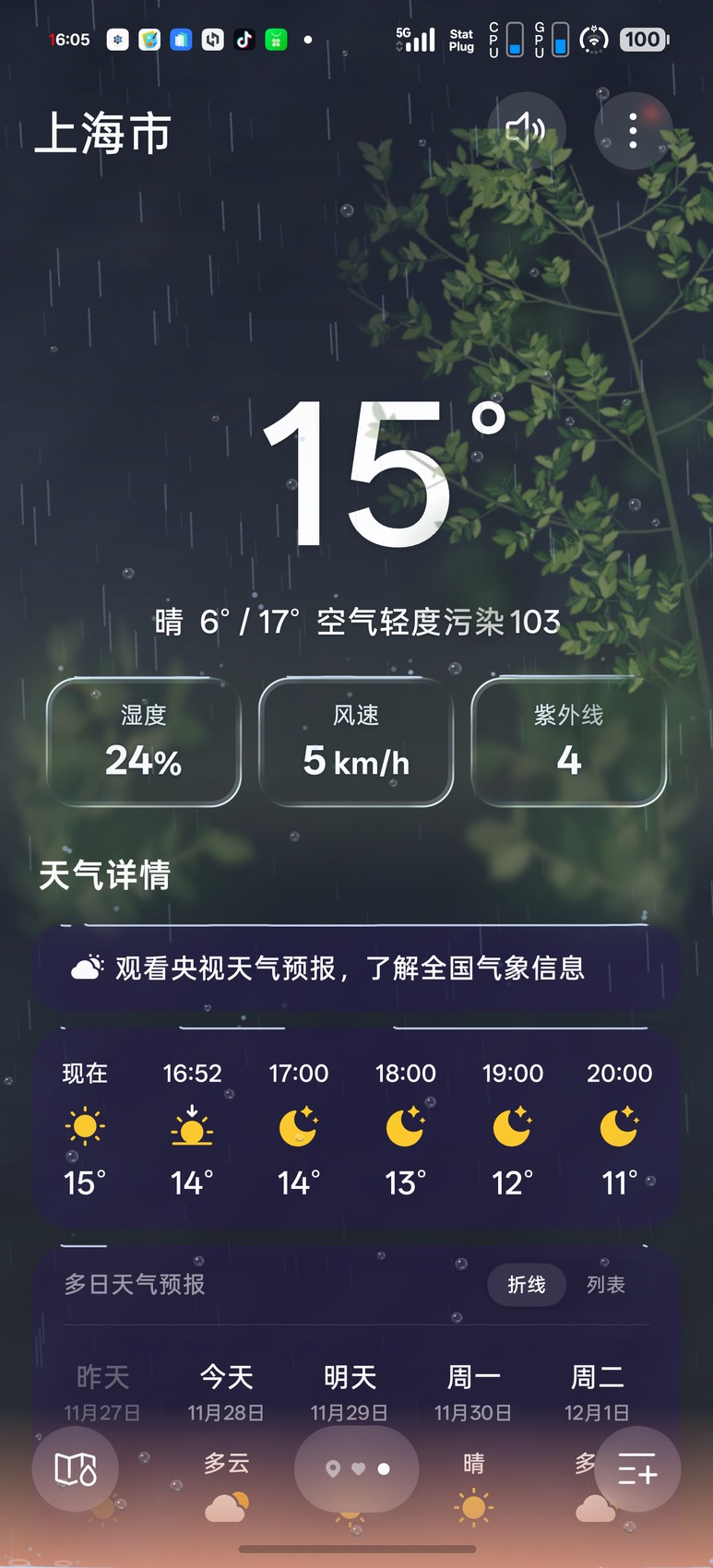 季风液态实况卡 · Monsoon live metrics |
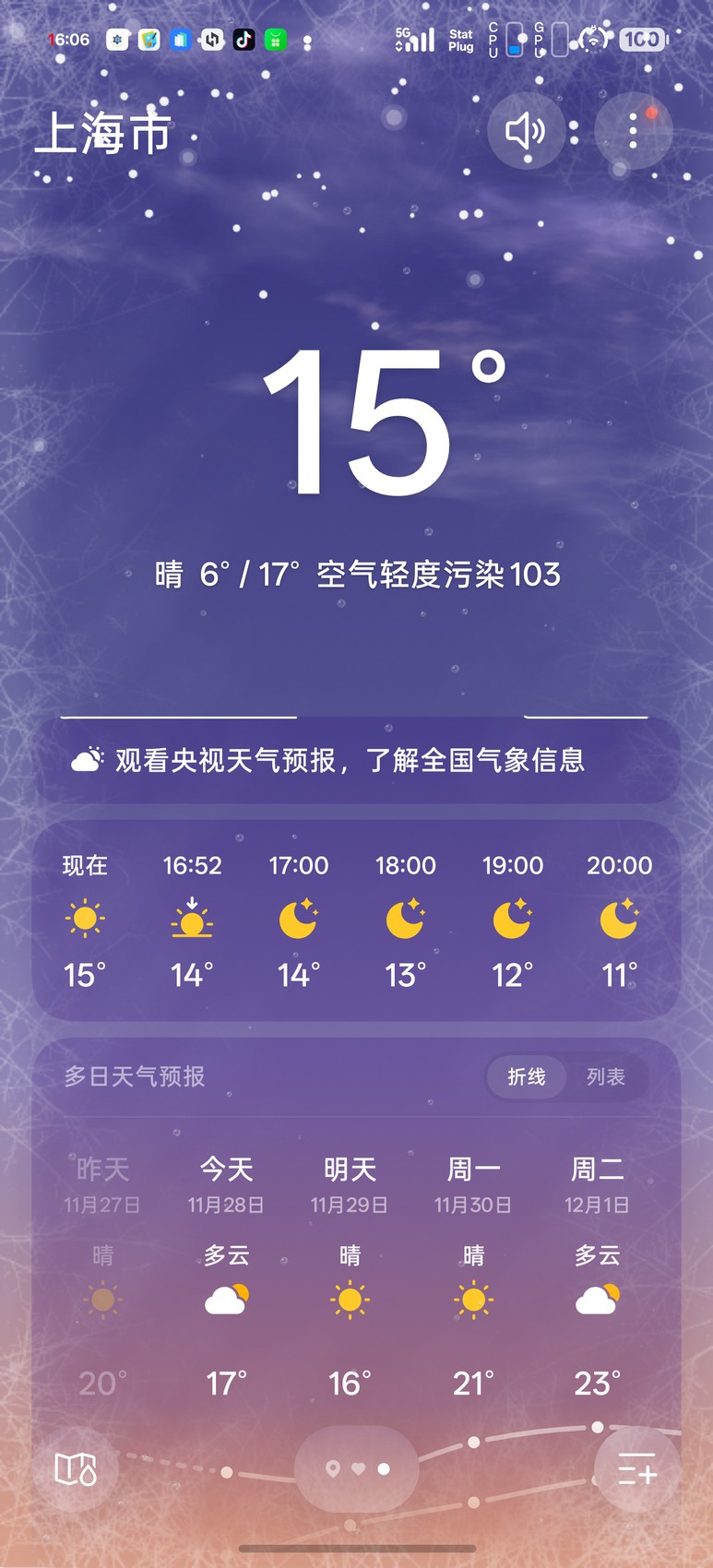 雪天氛围 · Snow scene |
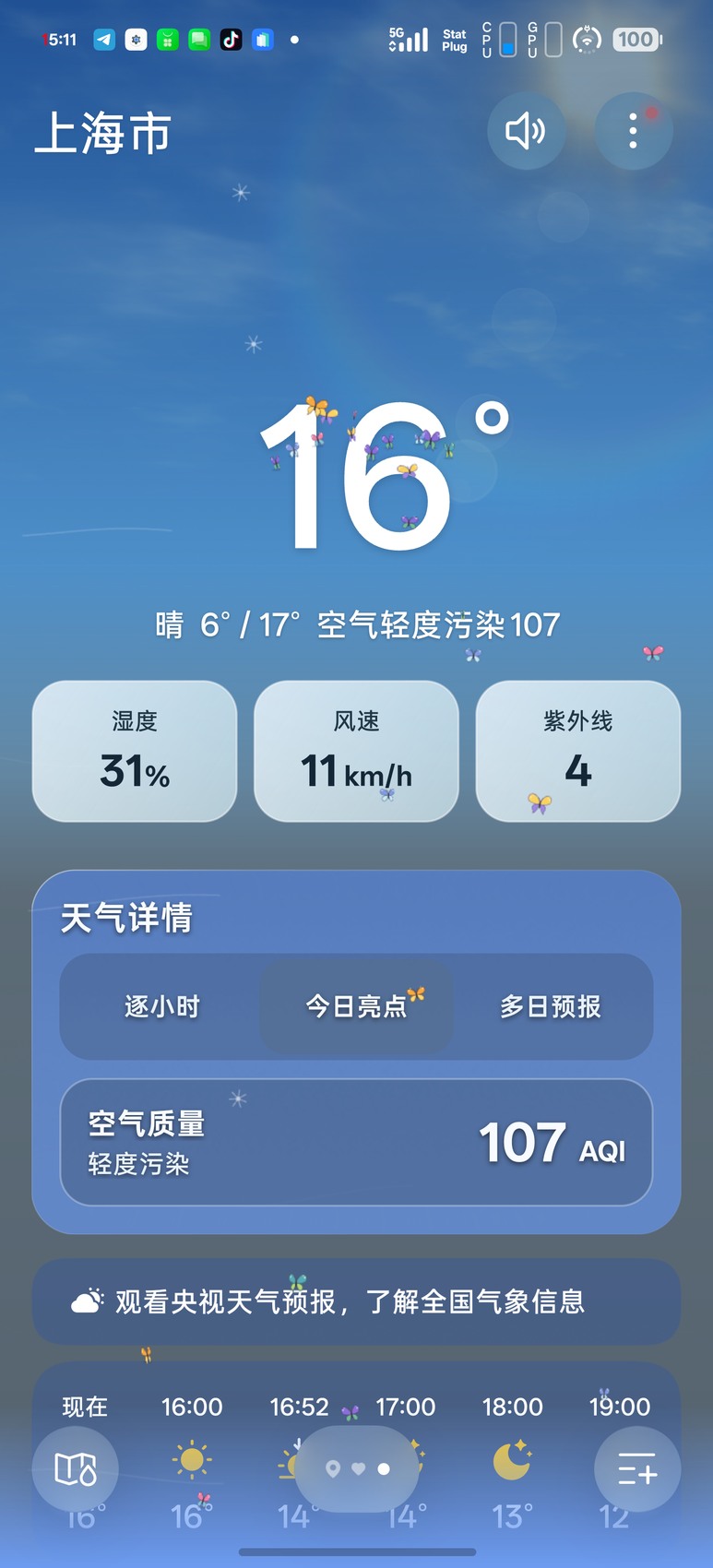 新版天气详情 · New weather details |
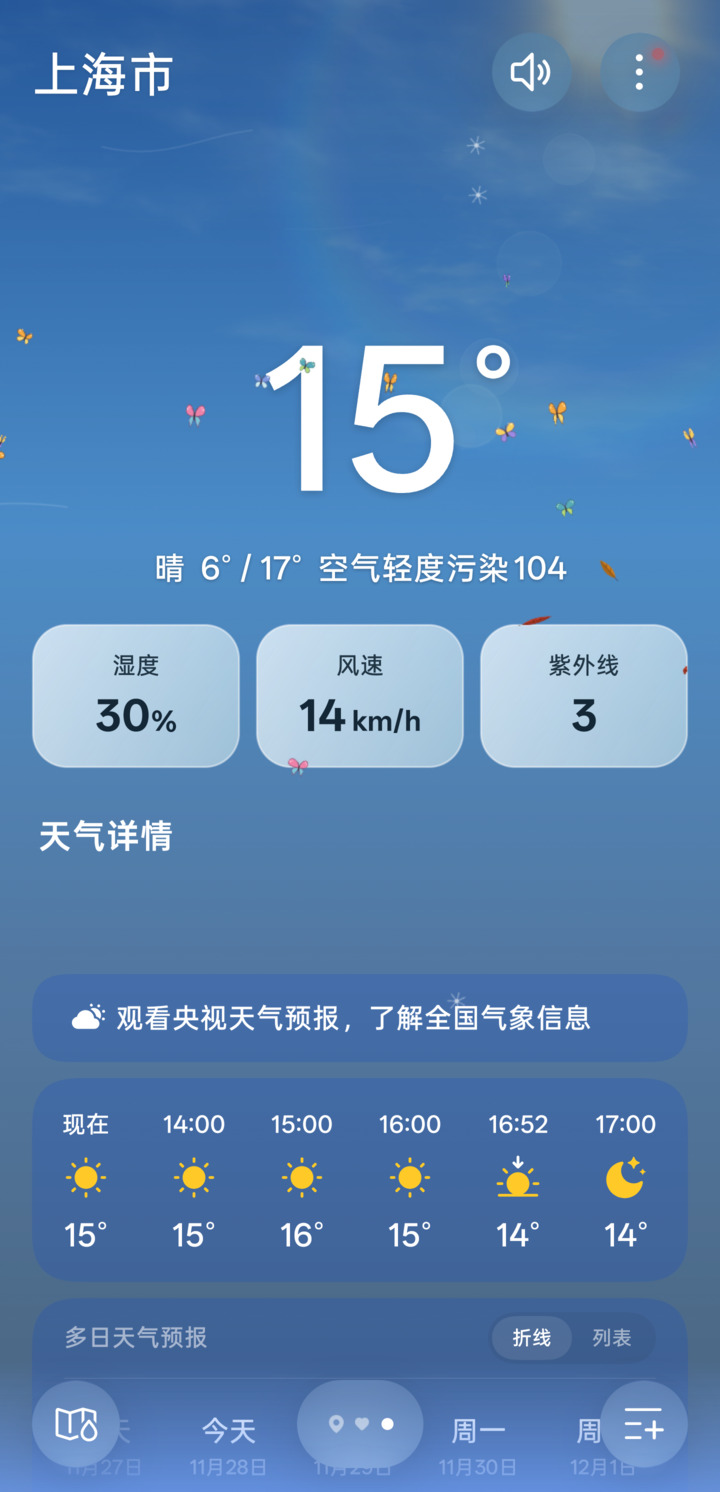 晴空 · Clear sky 微风和蝴蝶 · A breeze and butterflies |
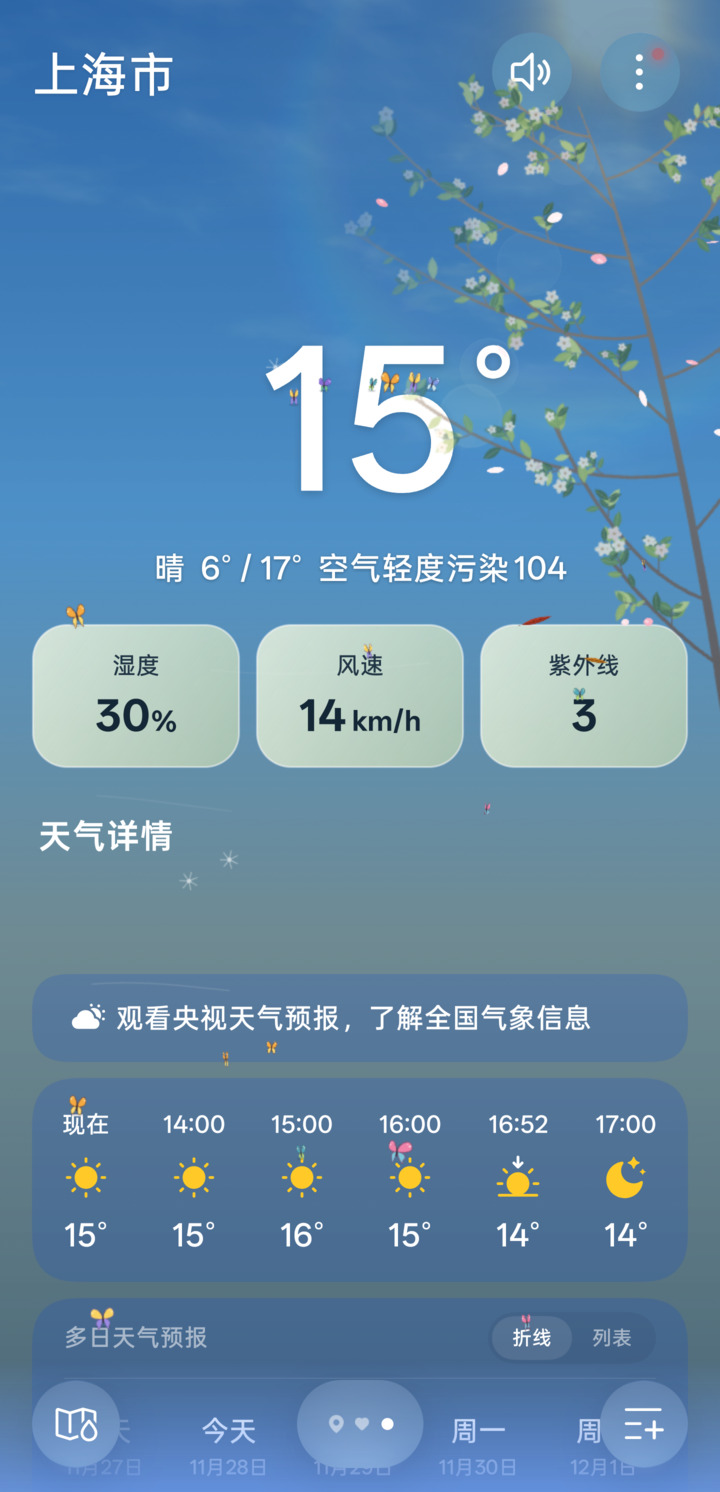 花开 · Blossoms 花瓣掠过温度和天气卡片 · Petals drift across the forecast |
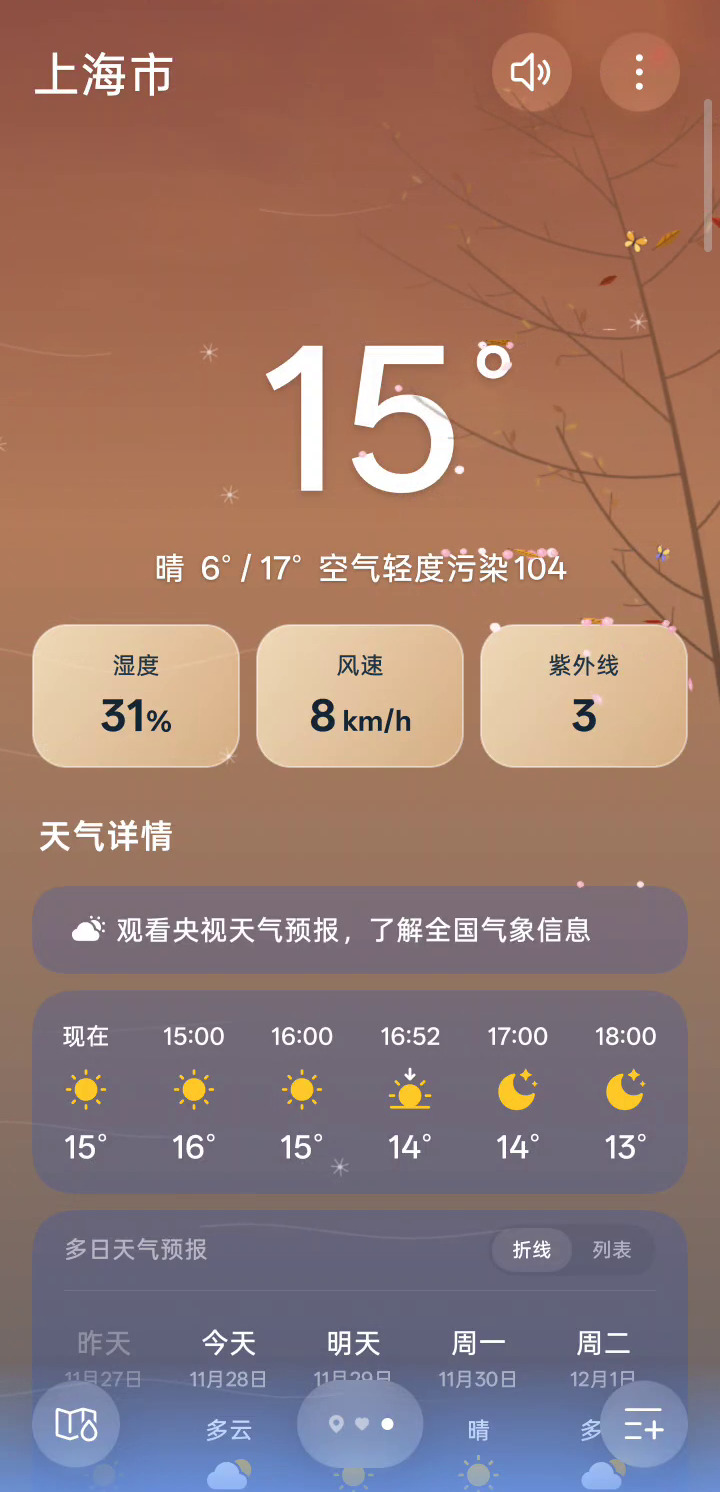 秋叶 · Autumn leaves 暖色天空与飘落的叶片 · Falling leaves against a warm sky |
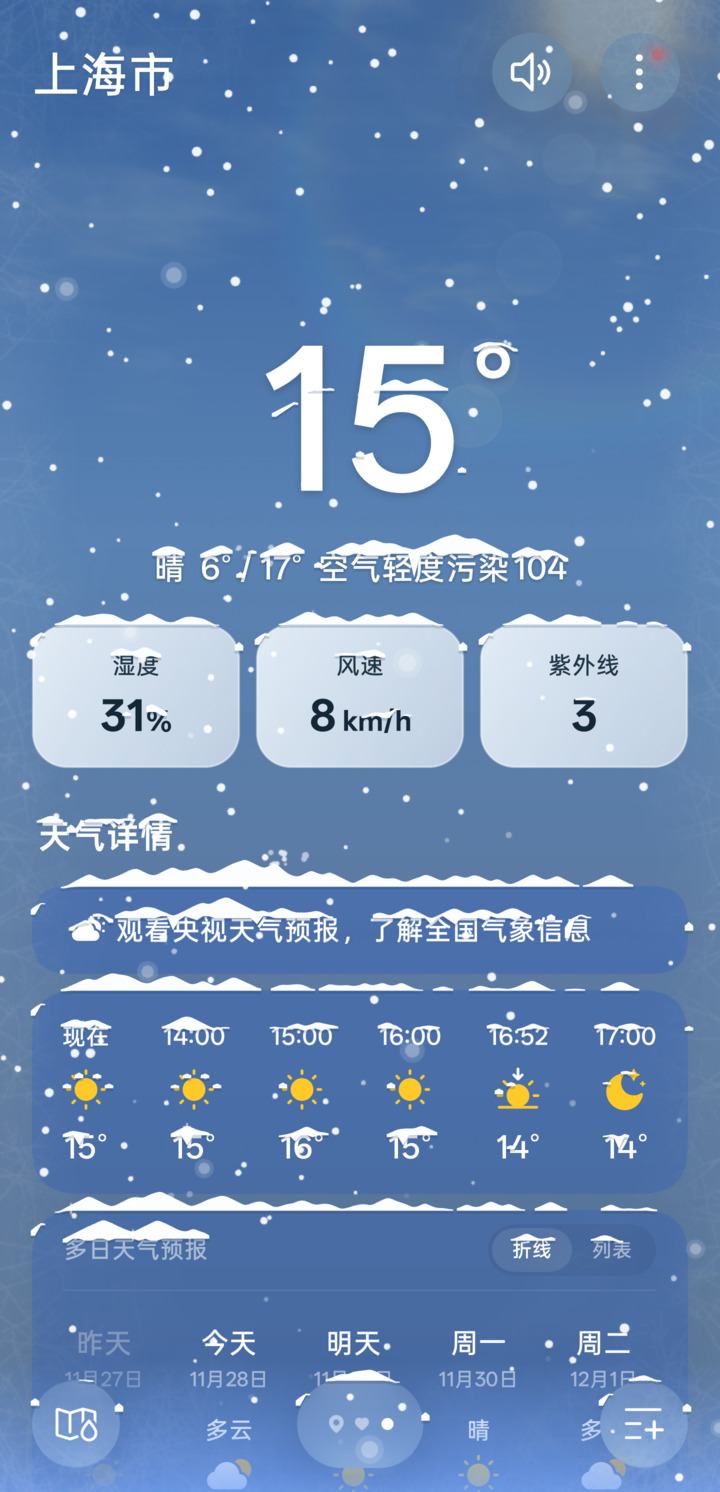 雪天 · Snow 积雪落在文字和卡片边缘 · Snow settles on text and cards |
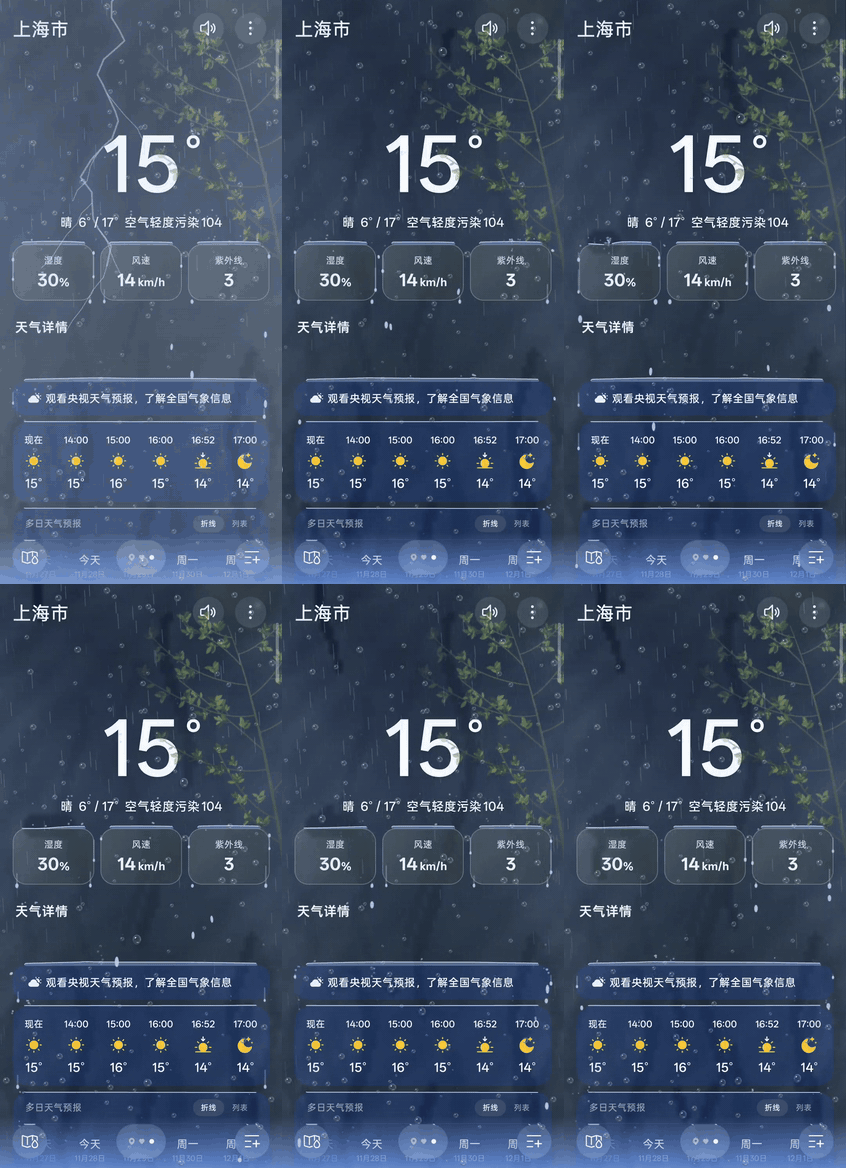 季风 · Monsoon 雨滴沿卡片边缘滑落 · Rain runs off card edges |
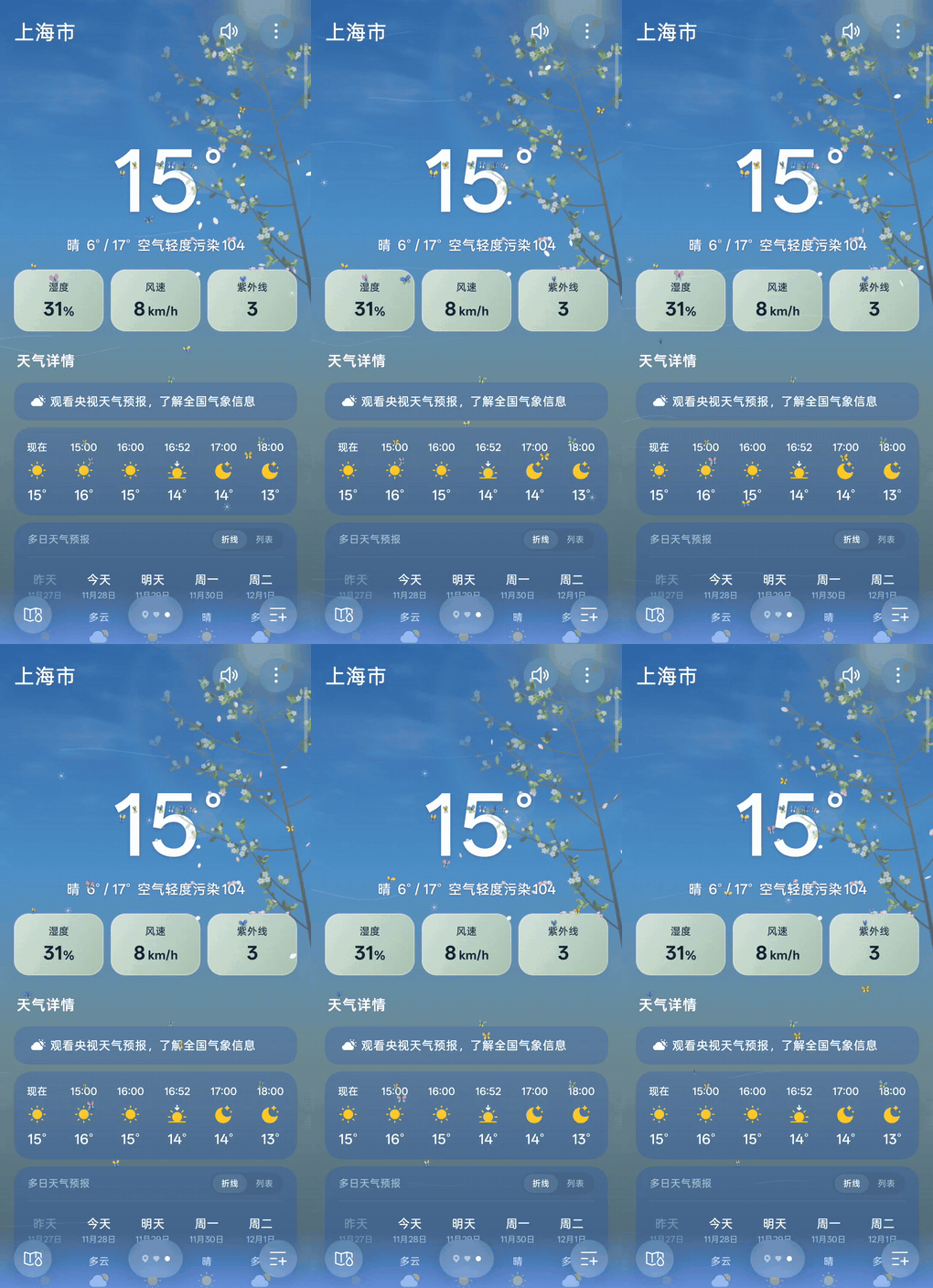 花瓣与蝴蝶 · Petals and butterflies 随风穿过原生天气界面 · Drifting across the Weather screen |
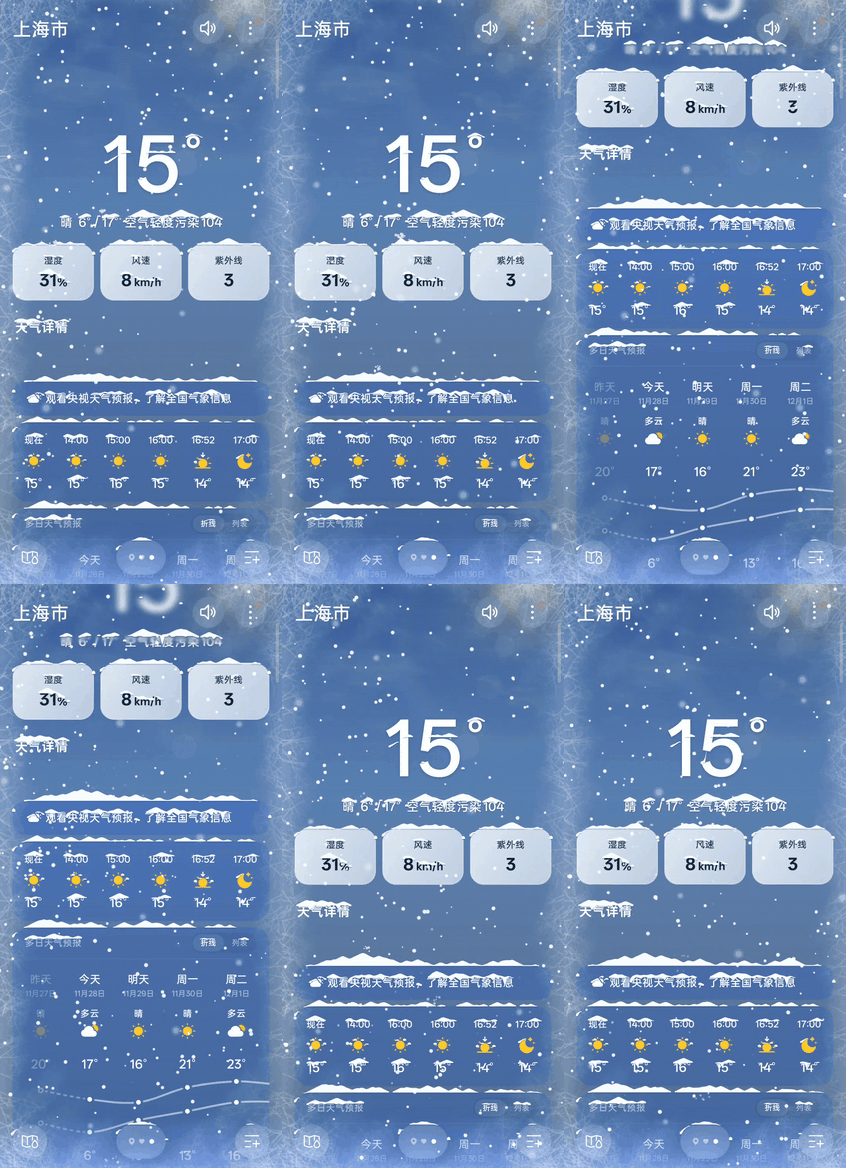 卡片积雪 · Snow on cards 预报滚动时,积雪跟着卡片移动 · Snow moves with the forecast cards |
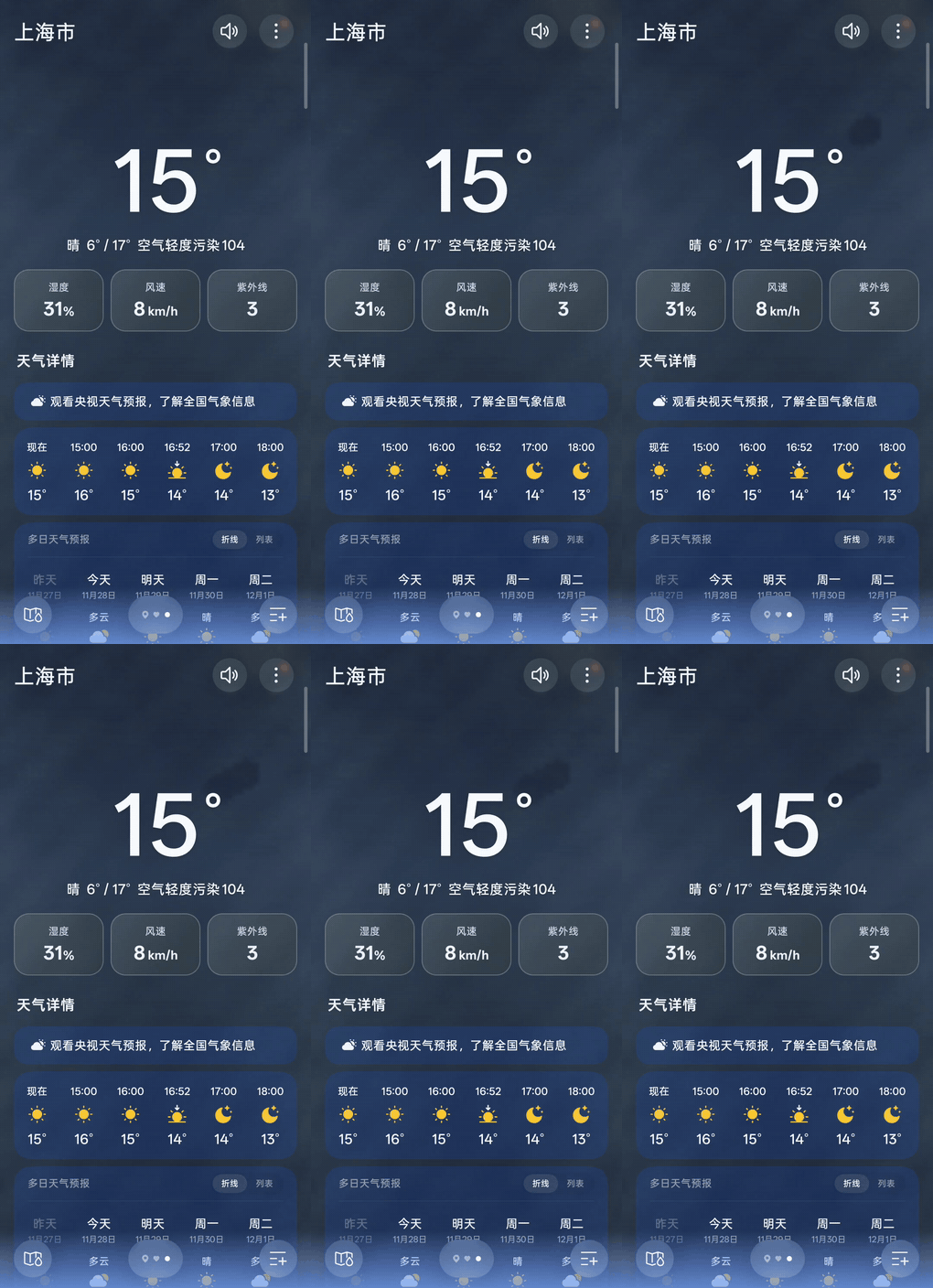 玻璃起雾 · Screen fog 滑动擦开屏幕上的雾气 · Swipe to clear the fog |
画面取自一加 13 的 ColorOS 系统天气 17.9.4,使用上海市演示。
Captured on a OnePlus 13 running ColorOS Weather 17.9.4, with Shanghai selected for the demo.
-
跟随实况自动选取当前城市的特效,也可手动切换场景或叠加多种效果。
-
触摸互动可以抖落积水、推开积雪和擦去雾气。支持手动或感应倾斜。
-
使用氛围布局可重排首屏,让天空和实况卡随场景切换配色。关闭后恢复系统天气原有布局。
-
实况卡与天气详情支持各自的液态玻璃开关。新版详情提供今日亮点和原生预报入口。
-
动态壁纸可从桌面打开「氛围天气」设置。Android 13 及以上可直接使用手动场景,启用天气作用域后可跟随最近一次系统天气实况。
- 安装 Releases 中的 APK。
- 在 LSPosed 启用「氛围天气」,勾选「天气」作用域
com.coloros.weather2。 - 结束系统天气进程后重新打开。在右上角的三点菜单选择「特效」,也可以从桌面图标打开完整设置。
氛围天气可独立安装。桌面设置支持 Android 13 及以上。天气叠加已在 ColorOS 天气 17.9.4 验证,并核对了 17.9.10 的 Hook 锚点。使用同一签名的旧版可直接覆盖升级。
从桌面打开「氛围天气动态壁纸」,选好背景后点击「预览并设置壁纸」。在「固定天气特效」里单独选择雨、雪或其他效果,例如季风背景固定降雪。
要让积雪和积水跟着图标、文件夹及小组件移动,在 LSPosed 勾选「系统桌面」com.android.launcher,重启桌面进程,将壁纸应用到主屏幕,再打开「与图标和小组件互动」。此开关默认关闭。升级后请检查新增作用域。桌面互动已在一加 15T 的 ColorOS 17.0.1.200、系统桌面 17.5.4 上验证。
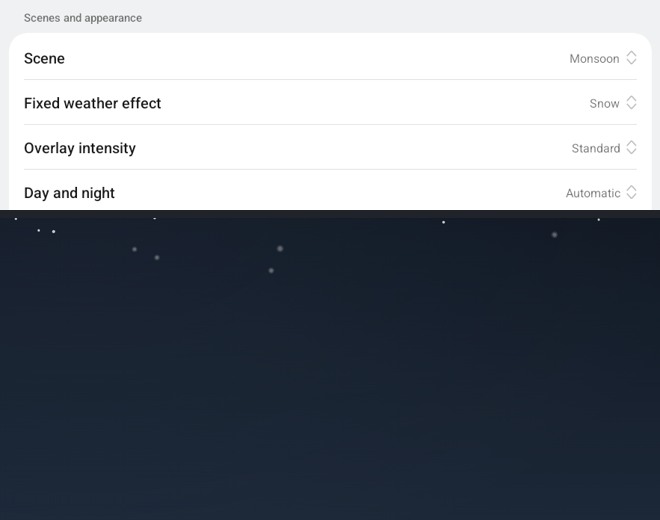
季风背景固定降雪 · Fixed snowfall over a monsoon background
如果系统天气更新后「特效」入口消失,反馈时请附上机型、系统和天气版本,以及 LSPosed 中含 FKAmbientWeather 的日志。 酷安开发者主页
-
Match the current city’s live weather, choose a scene, or layer several effects.
-
Tap to shake off water or snow, drag to push snow aside, or swipe to clear fog. Tilt the scene manually or with your phone’s motion sensor.
-
Use Ambient layout rearranges the weather home screen and tints the sky and live weather card to match the scene. Switch it off to restore the original layout.
-
The live metrics and new weather details panel have separate liquid glass toggles. The details panel includes today’s highlights and shortcuts to native forecasts.
-
Open Ambient Weather from the launcher to set the live wallpaper. Manual scenes work on Android 13 and later. Enable the Weather scope to follow the latest conditions reported by ColorOS Weather.
- Download and install the APK from Releases.
- In LSPosed, enable the module and select the Weather scope
com.coloros.weather2. - Stop the Weather app and open it again. Use Effects in its three-dot menu, or open the module from your launcher for the full settings.
Ambient Weather installs as a standalone module. The settings app requires Android 13 or later. The overlay was tested with ColorOS Weather 17.9.4, and the hook targets were checked against 17.9.10. You can upgrade in place from an earlier version signed with the same certificate.
Open Ambient Weather from your launcher and select Preview and set wallpaper. Use Fixed weather effect to choose rain, snow, or another effect independently of the scene.
For snow and water that move with icons, folders, and widgets, select the System launcher scope com.android.launcher in LSPosed, restart the launcher, apply the wallpaper to your home screen, and turn on Interact with icons and widgets. This setting is off by default. Check the added scope after upgrading. Home-screen interaction was tested on a OnePlus 15T with ColorOS 17.0.1.200 and System Launcher 17.5.4.
If Effects disappears after a Weather update, include your device model, ColorOS and Weather versions, and any LSPosed log entries containing FKAmbientWeather. Developer profile on Coolapk