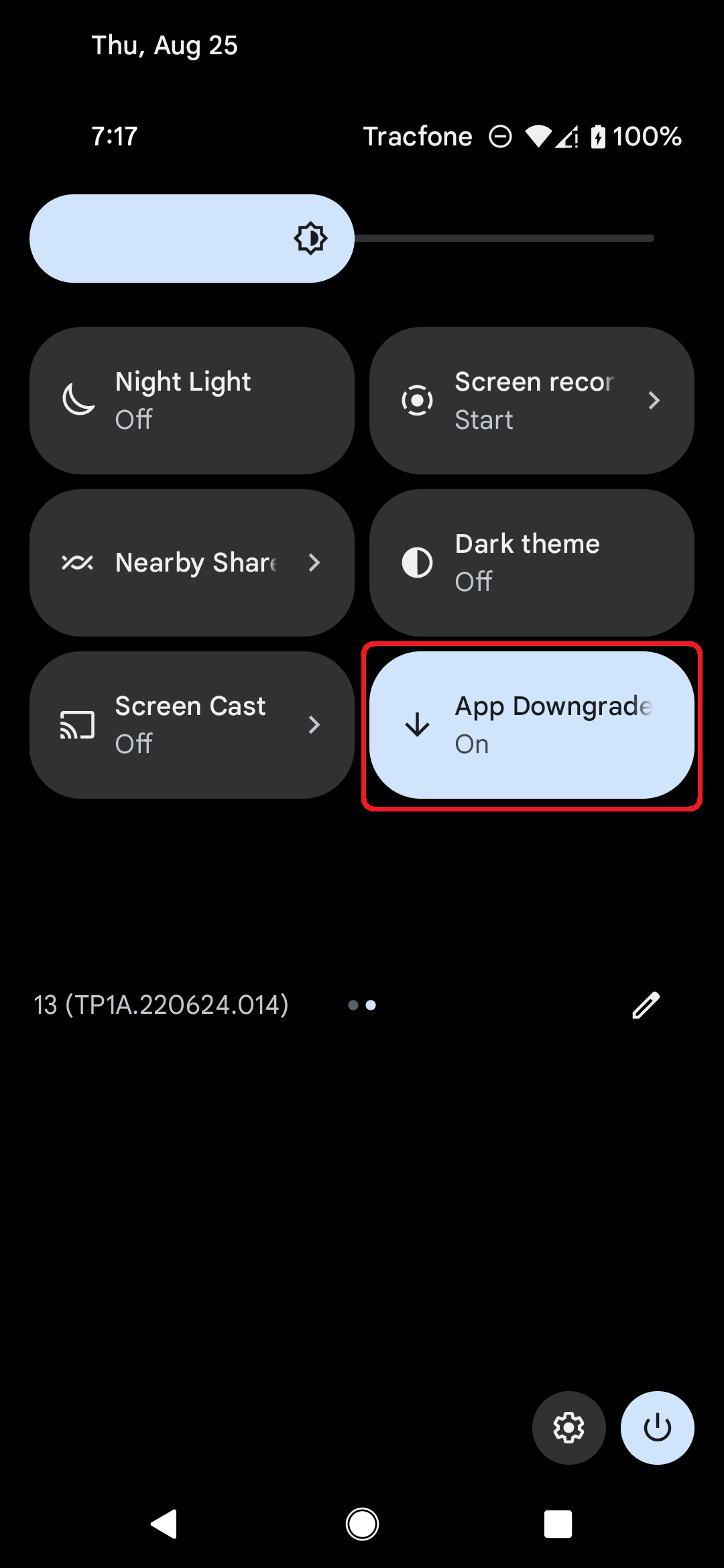
Android's app installation system does not allow users to downgrade to an older version of an app when they already have a newer version installed. Let Me Downgrade is an Xposed module for Android 12 through 17 that enables users to bypass this restriction. The app includes a Status screen with a switch to allow or block downgrades at any time. You can also add an optional App Downgrades Quick Settings tile that mirrors the same on/off state for quicker access.




To use Let Me Downgrade:
- Install an LSPosed build with API 101 support. This requires your device to be rooted with Magisk or KernelSU.
- Install Let Me Downgrade.
- Activate the Let Me Downgrade module in the LSposed user interface.
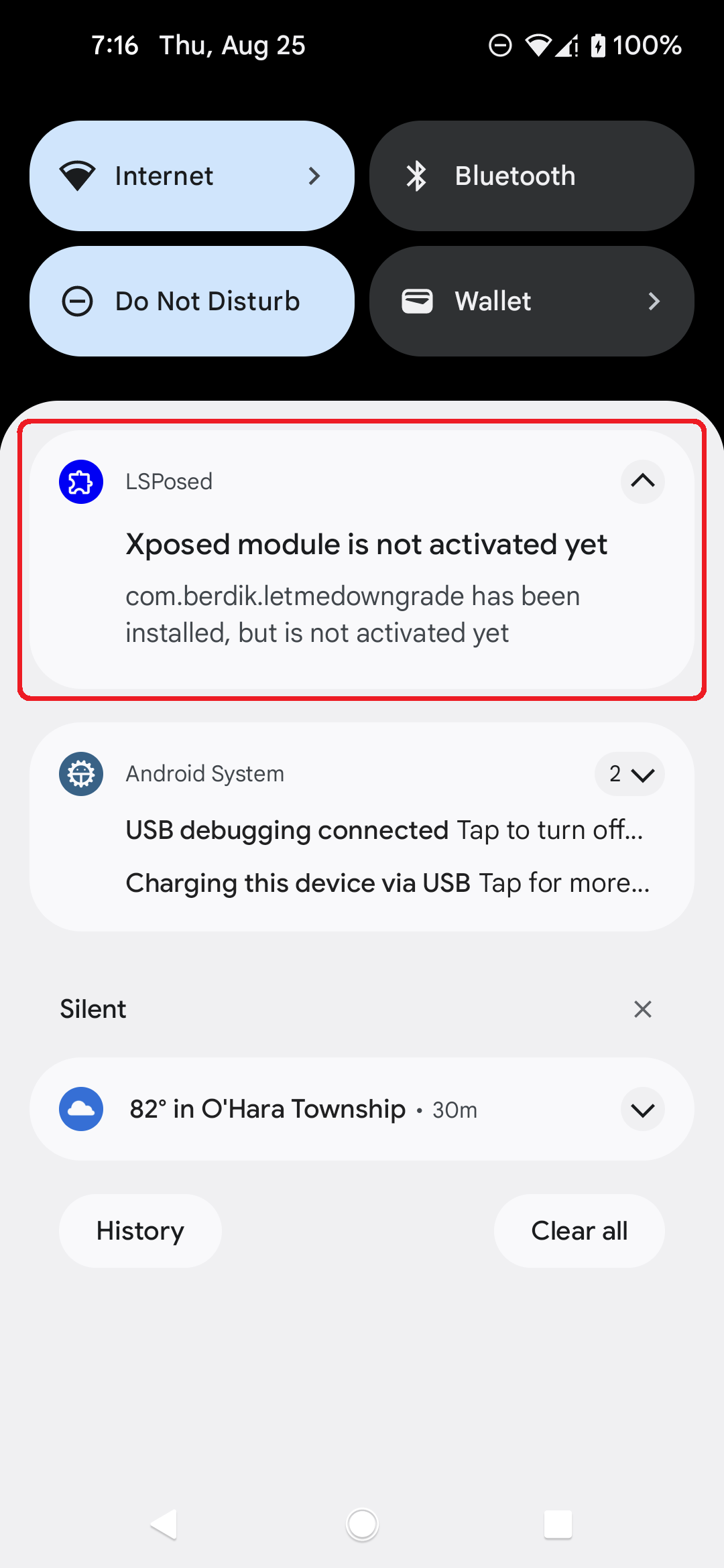
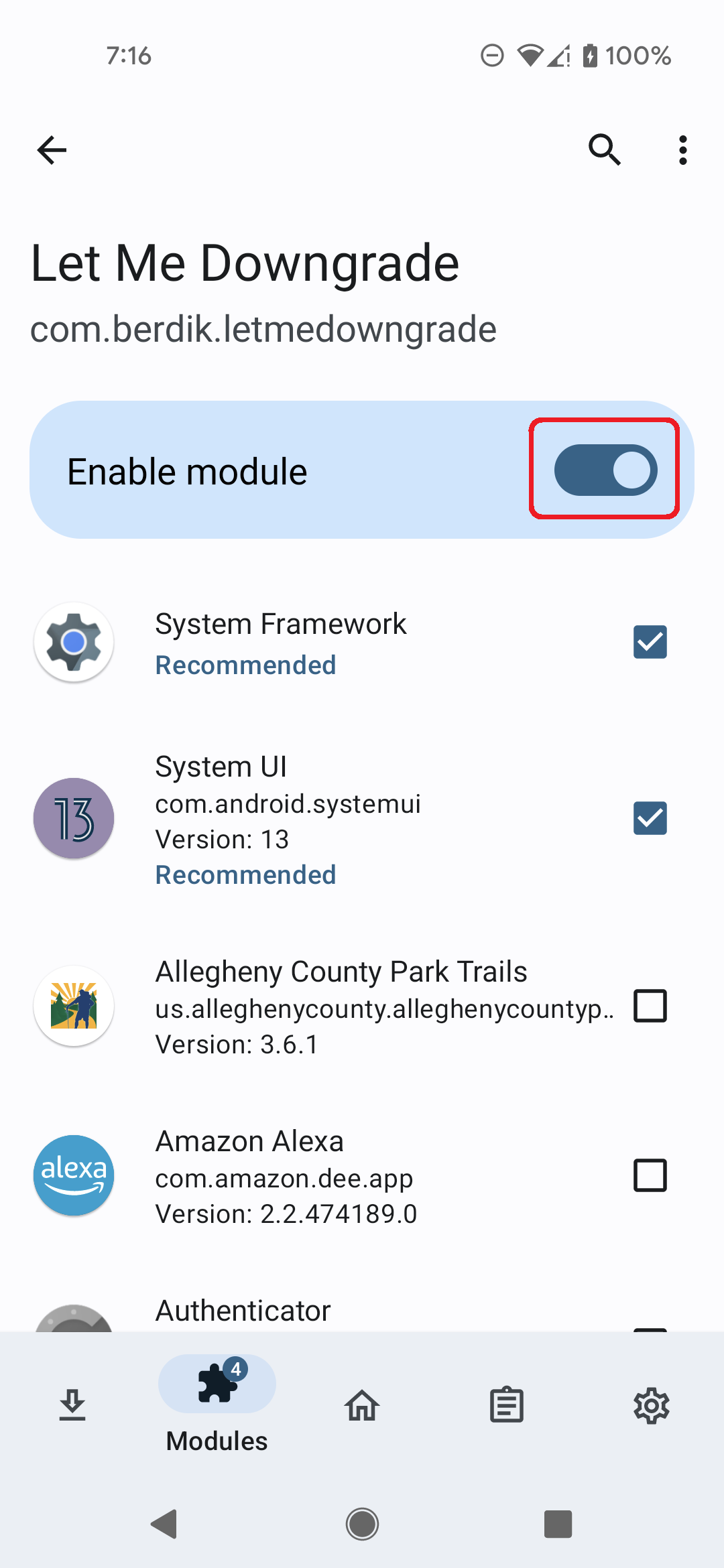
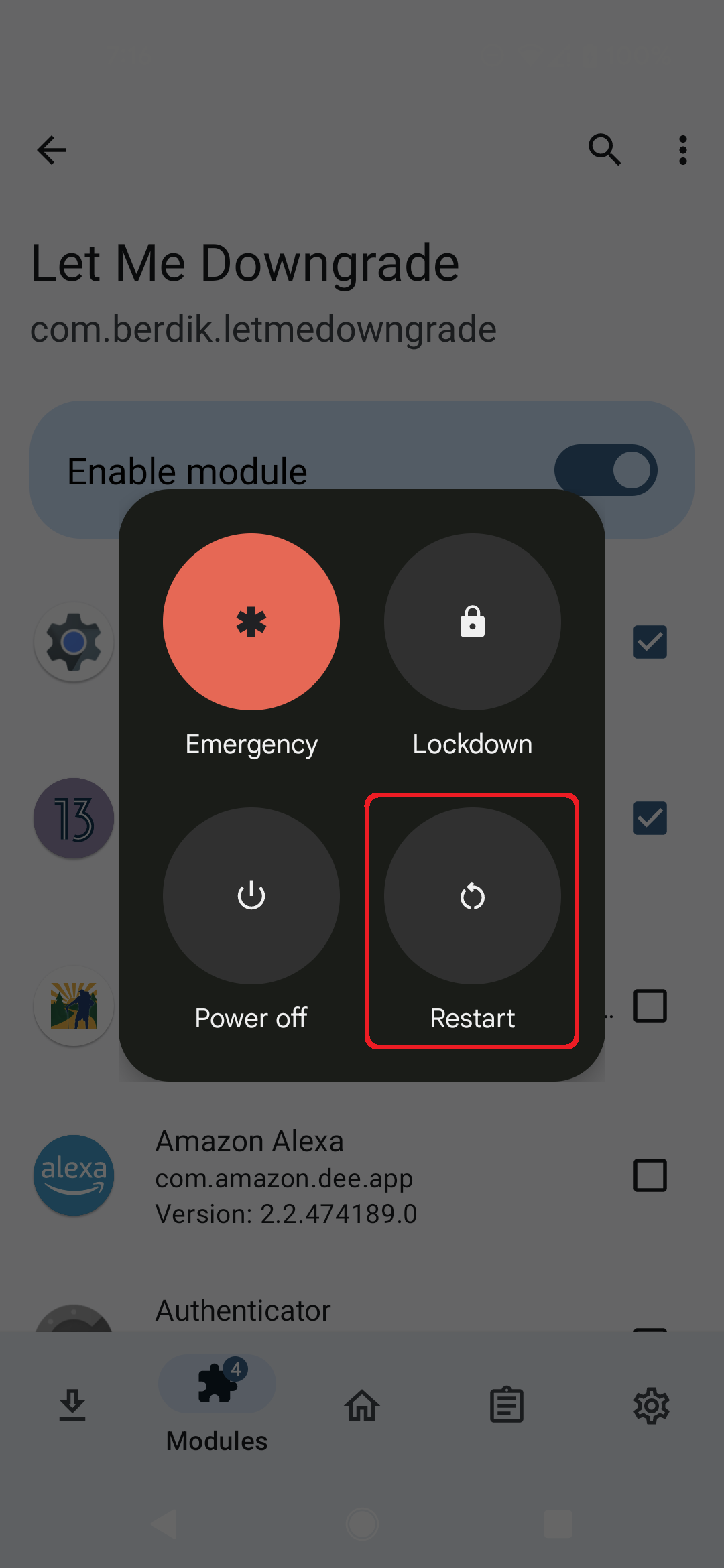
- Reboot your device and sign in.
-
Open Let Me Downgrade from your launcher. When the module is active in LSPosed, the Status card shows whether app downgrades are allowed or blocked; use the switch to turn the hook on or off.
-
Optionally, add the App Downgrades Quick Settings tile from the tile editor. The tile mirrors the in-app switch.