English | Español | العربية | Deutsch | Français | Italiano | 日本語 | 简体中文
A virtual camera for compatible rooted Android devices. Choose a photo or video and present it as the camera feed of the apps you select, with live playback and framing controls.




Alpha release. DRVCAM is under active development and behaviour can vary by device.
This repository is the module listing for DRVCAM. It does not contain source code. Product page, pricing and full documentation: droidrooter.com/drvcam.
- Screenshots
- What it does
- Requirements
- Download
- Install
- Free plan and paid plans
- Privacy basics
- FAQ
- Disclaimer
- License
- Support
- Changelog
| Home | Floating Controller |
|---|---|
 |
 |
| Media editor | Presets |
|---|---|
 |
 |
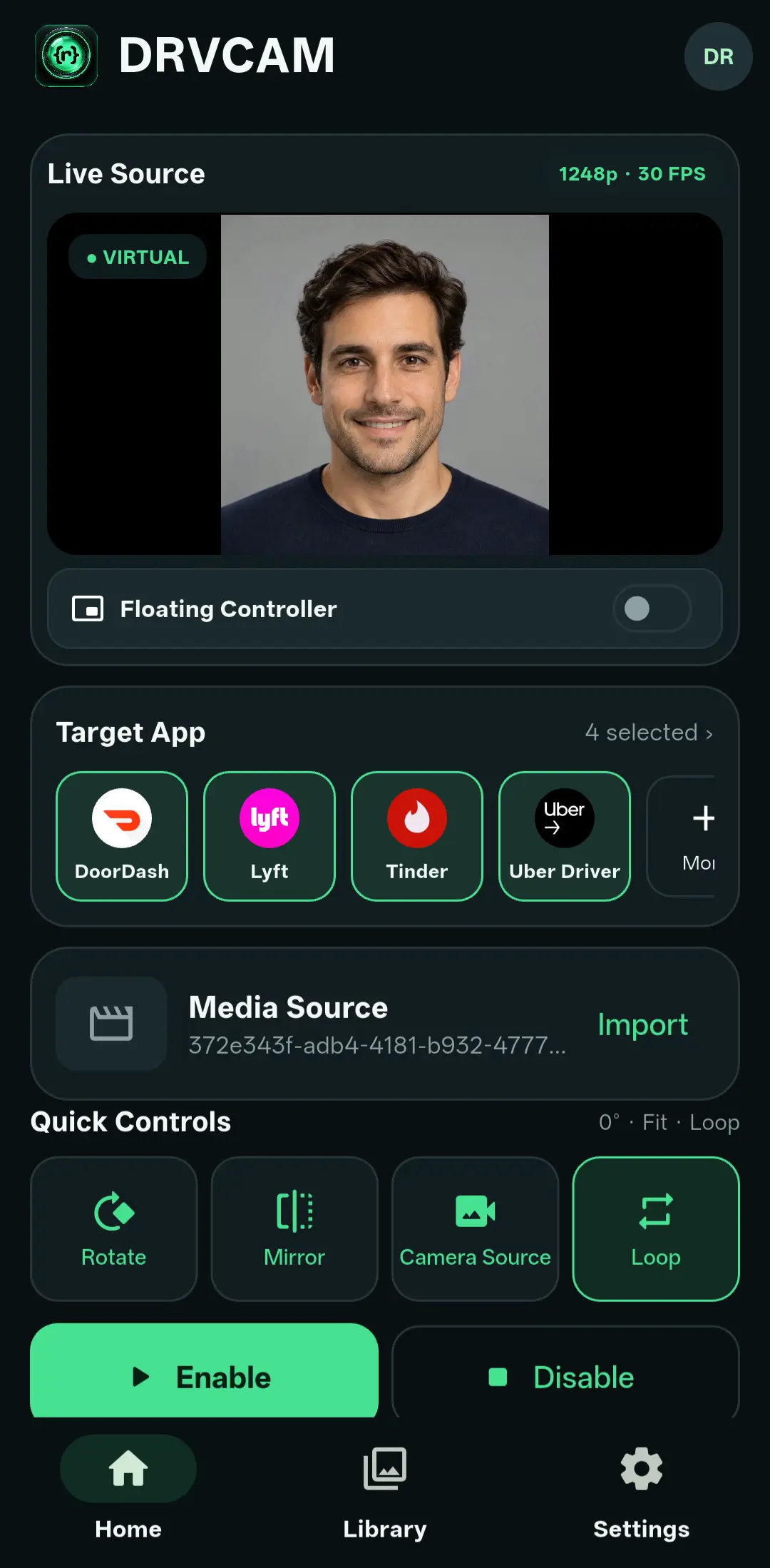
- Uses a photo or video that you import as the camera source of an app you select, where the device, camera API and app support it.
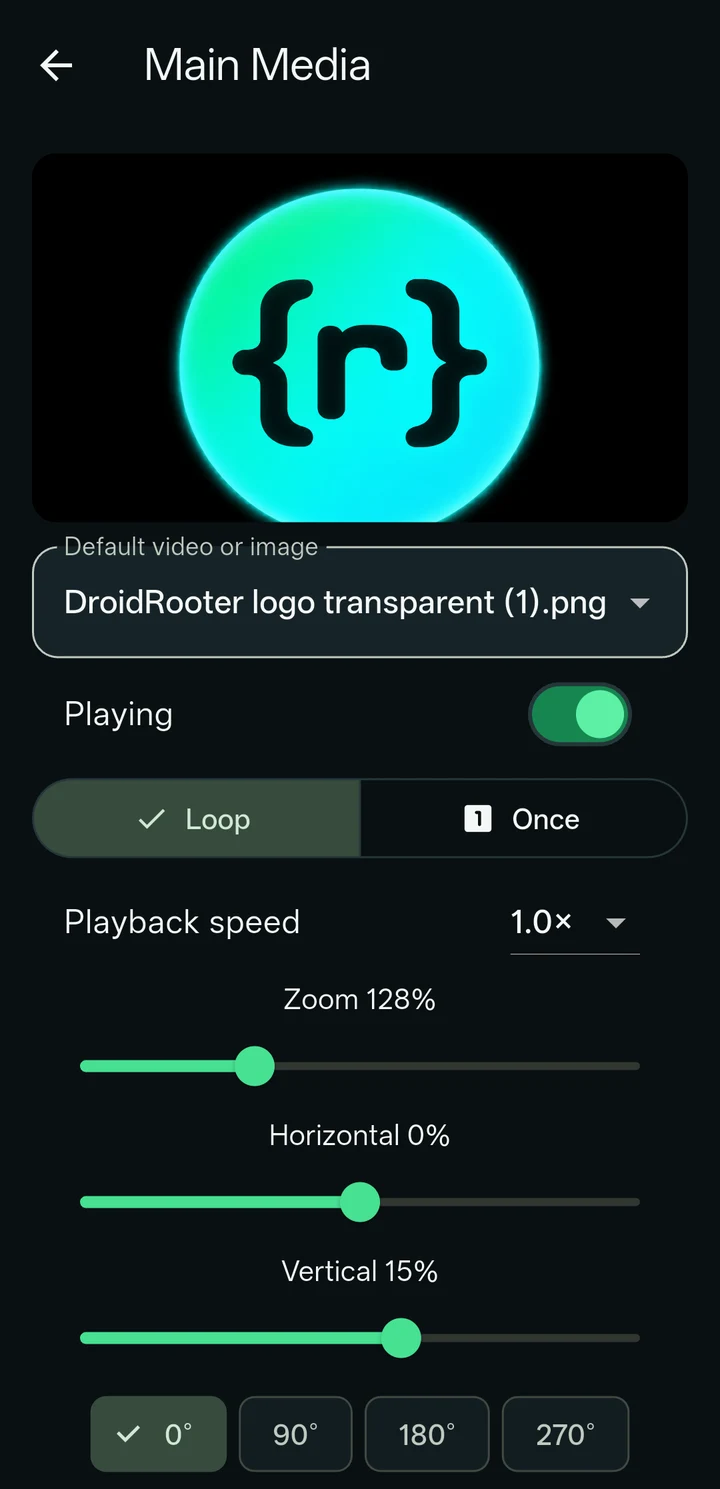
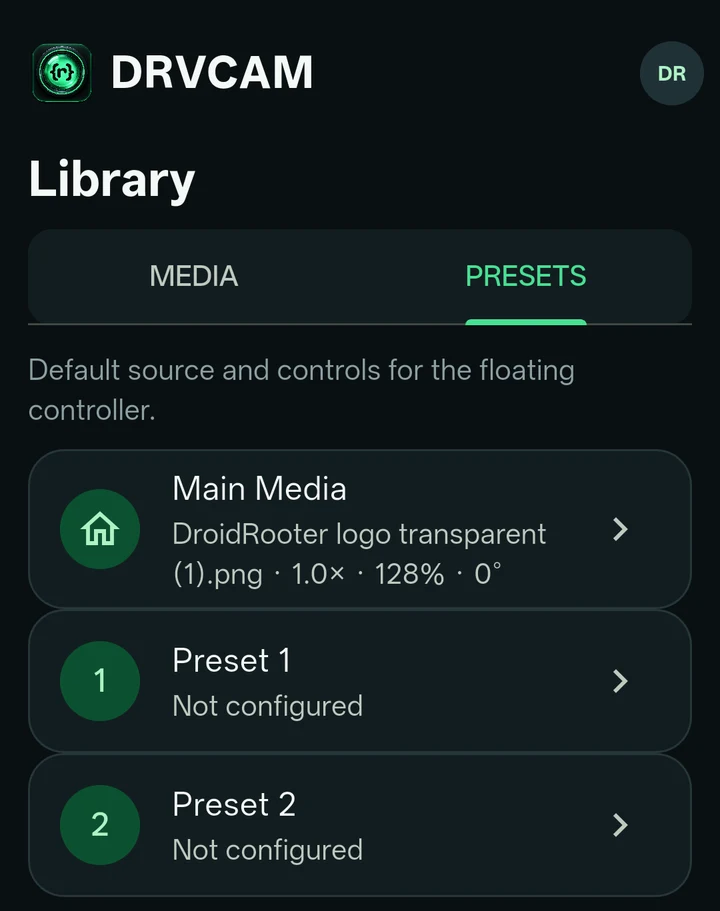
- Lets you choose the target apps and adjust playback, rotation, mirror, zoom and framing. A Main source and two presets can be saved and switched.
- Lets you switch a configured target between the virtual feed and the real physical camera. Some apps need their camera reopened before a change appears; DRVCAM tells you when that is the case.
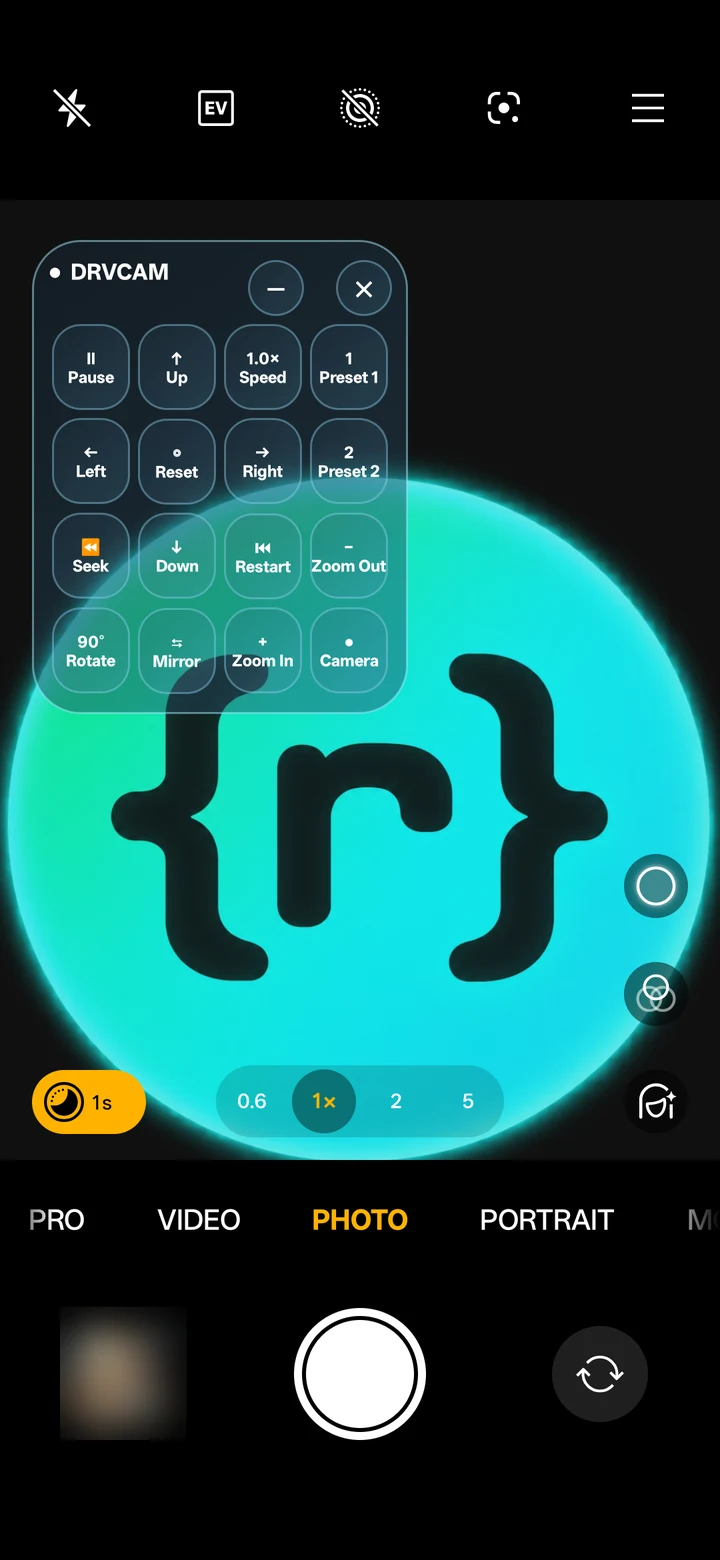
- Offers an optional floating controller that stays above the app you are using (needs the overlay permission).
- Leaves the real microphone unchanged — DRVCAM does not replace or process audio.
- A rooted Android device (Magisk or KernelSU), Android 9 and newer. Camera replacement needs root; without it the app opens but replacement is unavailable.
- An Xposed-family framework that supports libxposed API 102 — DRVCAM is tested with Vector (the successor of LSPosed). A framework without API 102 support will not load the module.
- Enough decoder and graphics capacity for the media and app you choose.
This listing carries the phone build for Android 12 and newer (arm64). Other builds — Android 9 to 11, and emulator images — are on droidrooter.com/drvcam, with a picker that recommends the right one for your device.
Every release here includes its SHA-256 in the release notes — verify your download before installing.
- Download and install the APK that matches your Android version and device type (above).
- Open your framework manager and enable DRVCAM, then reboot if it asks you to.
- Open DRVCAM and grant root when prompted. DRVCAM manages the scope of the apps you select from inside its own app — you do not need to add anything by hand in the framework manager.
- Sign in, or choose Try Free (see Free plan and paid plans).
- Import a photo or video into Library, select it, choose a target app, then Enable. Open the target app's camera yourself.
- Check the result inside the target app. DRVCAM's own preview helps you pick media; it does not by itself prove the target app received the feed.
Disable removes DRVCAM's scope from the target again.
DRVCAM needs a DRVCAM account and an internet connection for sign-in, device registration and renewal. After signing in, the app can keep working offline for a limited period.
- Try Free (no cost): image sources, one target app.
- Paid plans: video sources, several target apps, the floating controller and the Camera Source switch.
Current plans, device limits and prices: droidrooter.com/drvcam.
- Your media stays on your device for the camera workflow — the account service does not need your media or camera frames to sign you in.
- The account service processes account, device and subscription data so that sign-in and licensing work. Diagnostics are sent only when you request them.
- A target app can still save, analyse or transmit what its camera shows; that app's own privacy practices apply.
- Full policy: droidrooter.com/privacy.
Does this need root? Yes. Camera replacement is delivered through a system-level hook that requires root and a compatible Xposed-family framework.
Will it work on my device? Only verified combinations are listed on the product page. Device, firmware and camera app vary too much to promise support in advance.
Can I use it without signing in? Yes, with Try Free (image sources, one target app). Video and the other features need a paid plan.
I lost my password — what do I do? Account recovery is manual for now; use the Support links below.
Where is the source code? Not published here. This repository is a module listing with signed release binaries only.
DRVCAM is alpha software, provided "as is" without warranty of any kind. Rooting a device and installing a systemless framework are actions you take at your own risk and may affect your device's warranty or stability.
You are solely responsible for the media you use, for the applications you use DRVCAM with, and for complying with the laws and the terms that apply to you. The developer is not responsible for any illegal, unauthorized or otherwise improper use of this software.
DRVCAM is proprietary, closed-source software. No licence to copy, modify, reverse-engineer or redistribute the application is granted. Downloading and installing it is governed by the Terms of Use published on the product site.
- Telegram: @DroidRooter
- Website contact form: droidrooter.com/contact
See the notes on each release for what changed.