
An Android app and Xposed module for exporting subscriptions from the proxy utility Happ into any VPN apps (NekoBox, v2rayNG, Hiddify, and similar clients).
Android 5.0+ is supported.
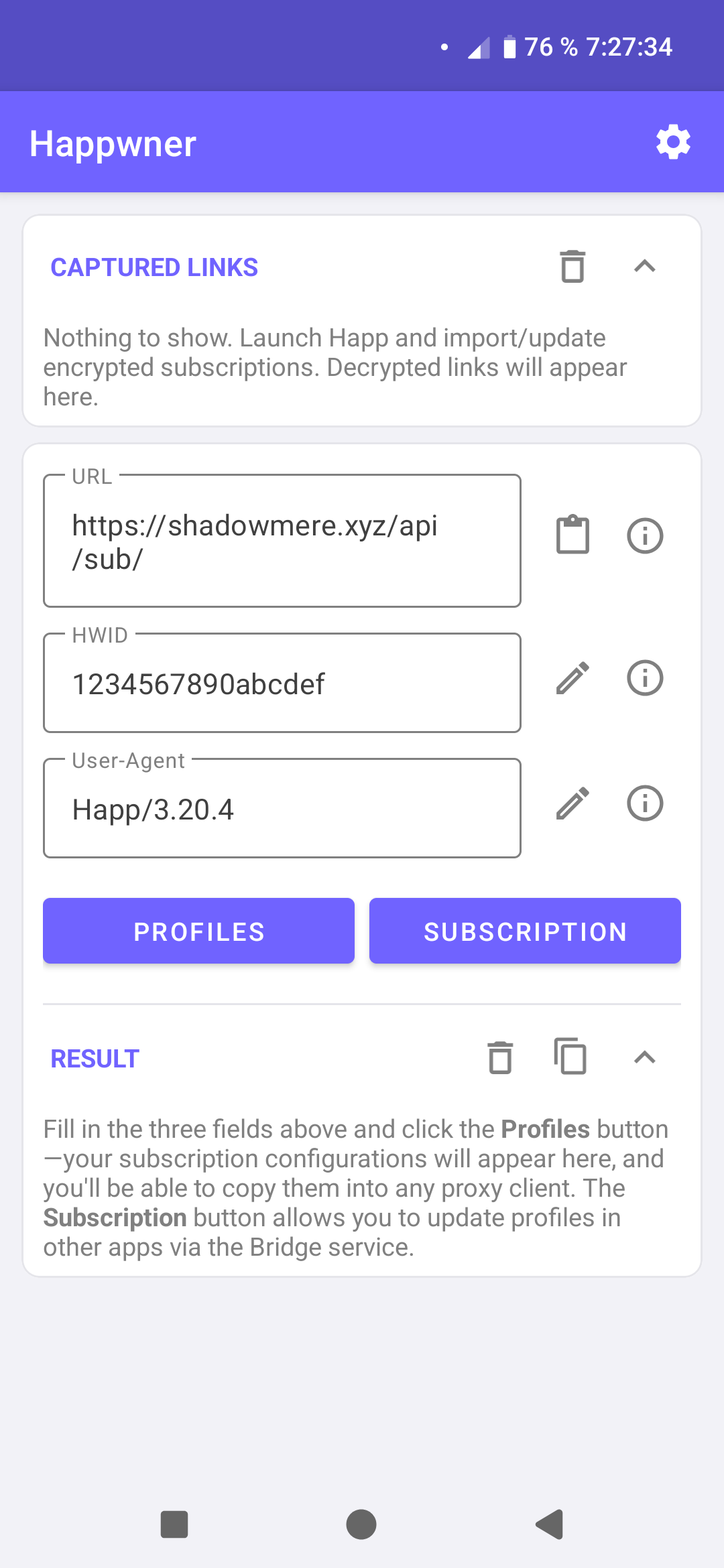
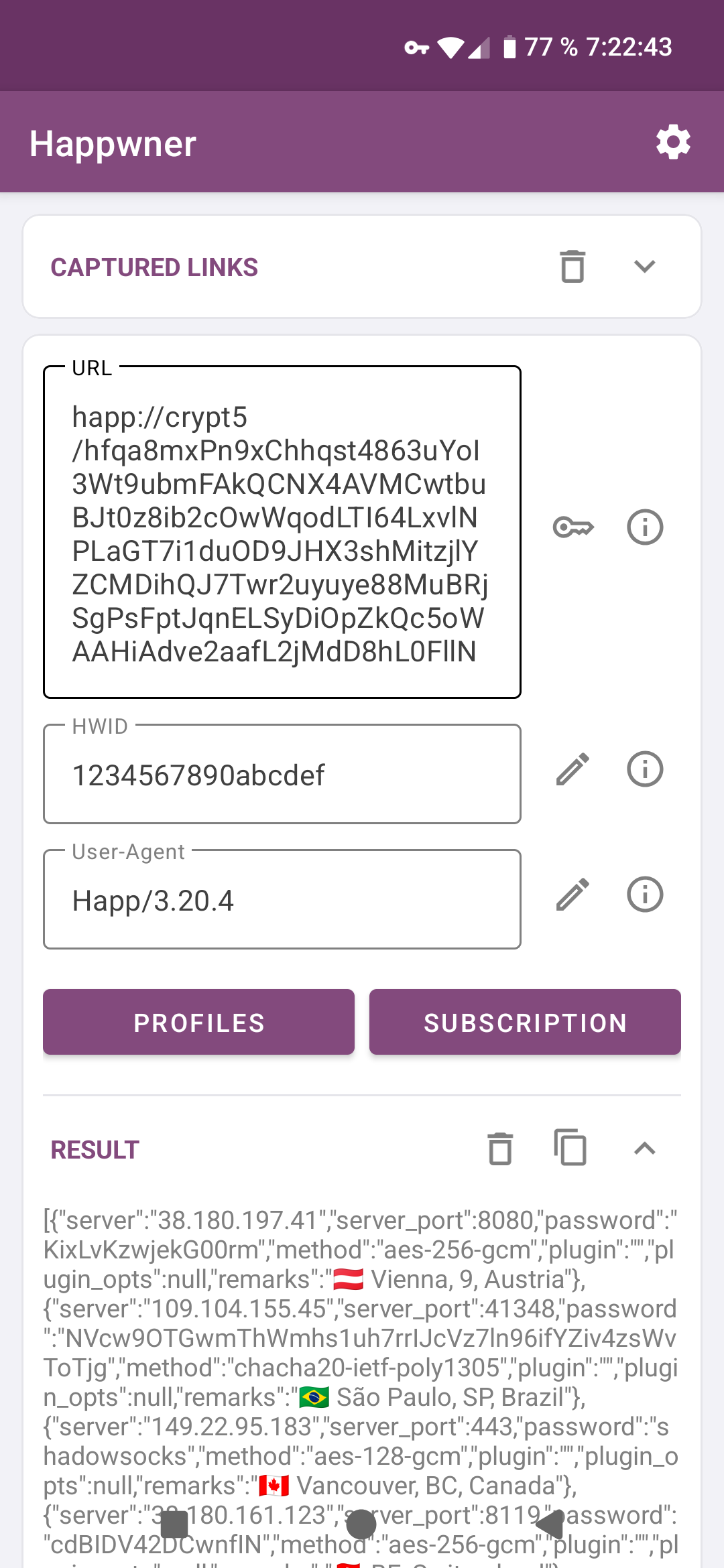
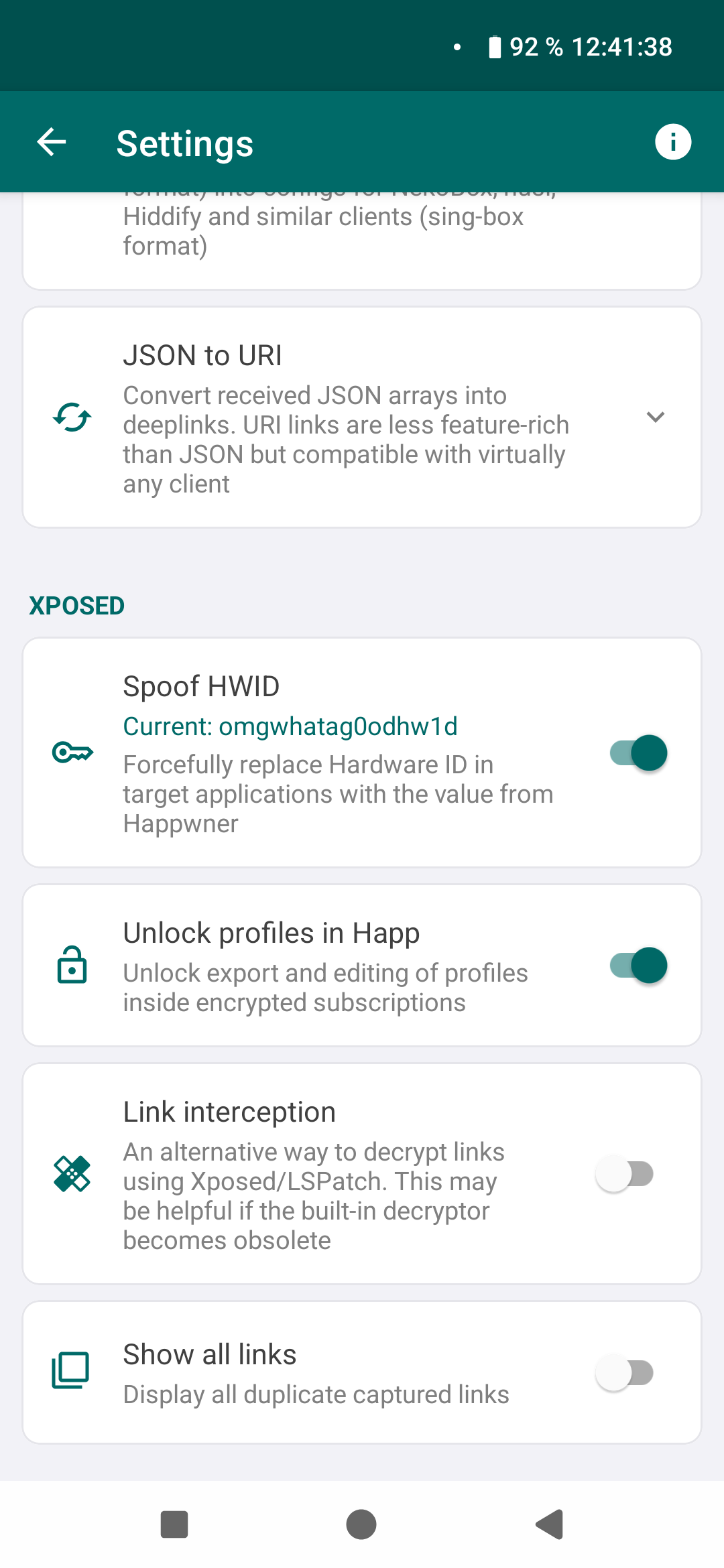
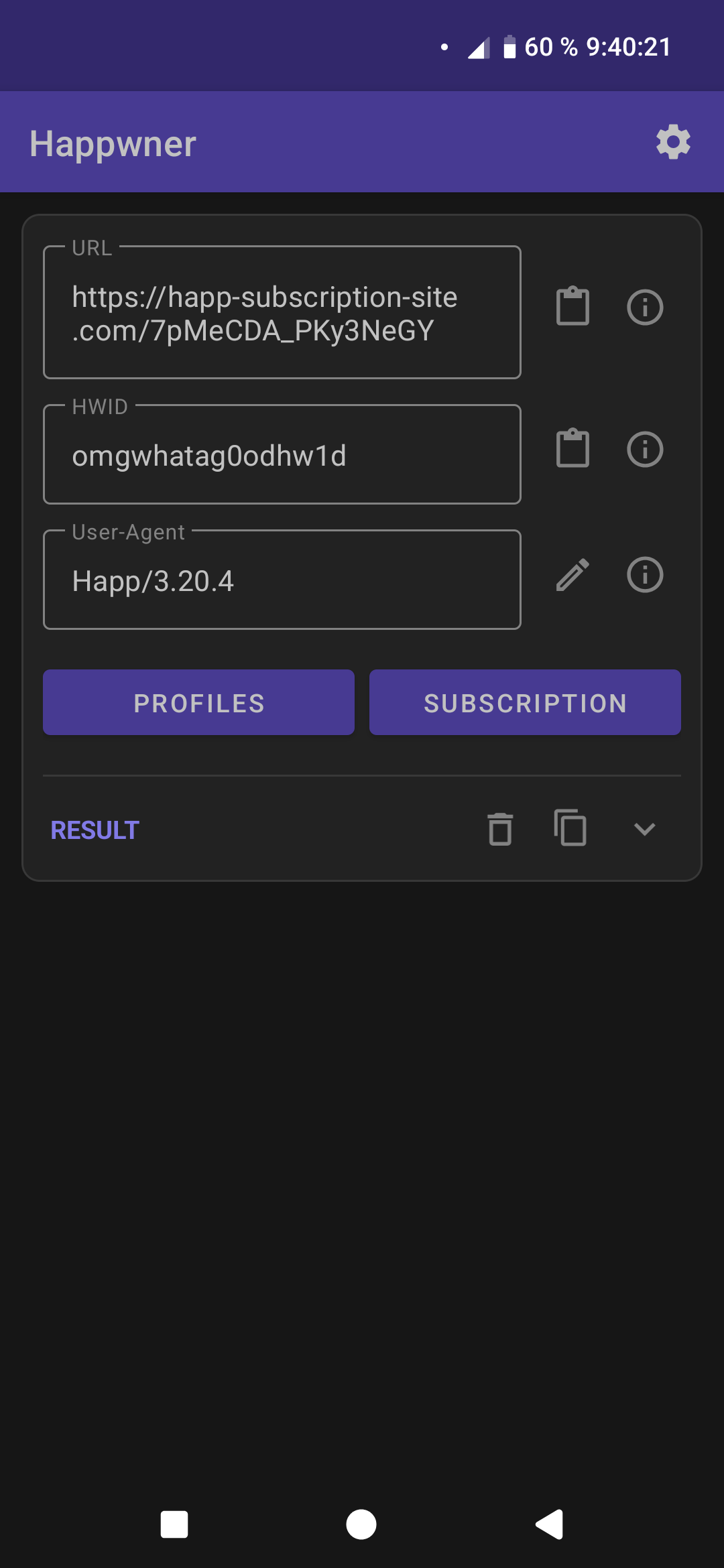
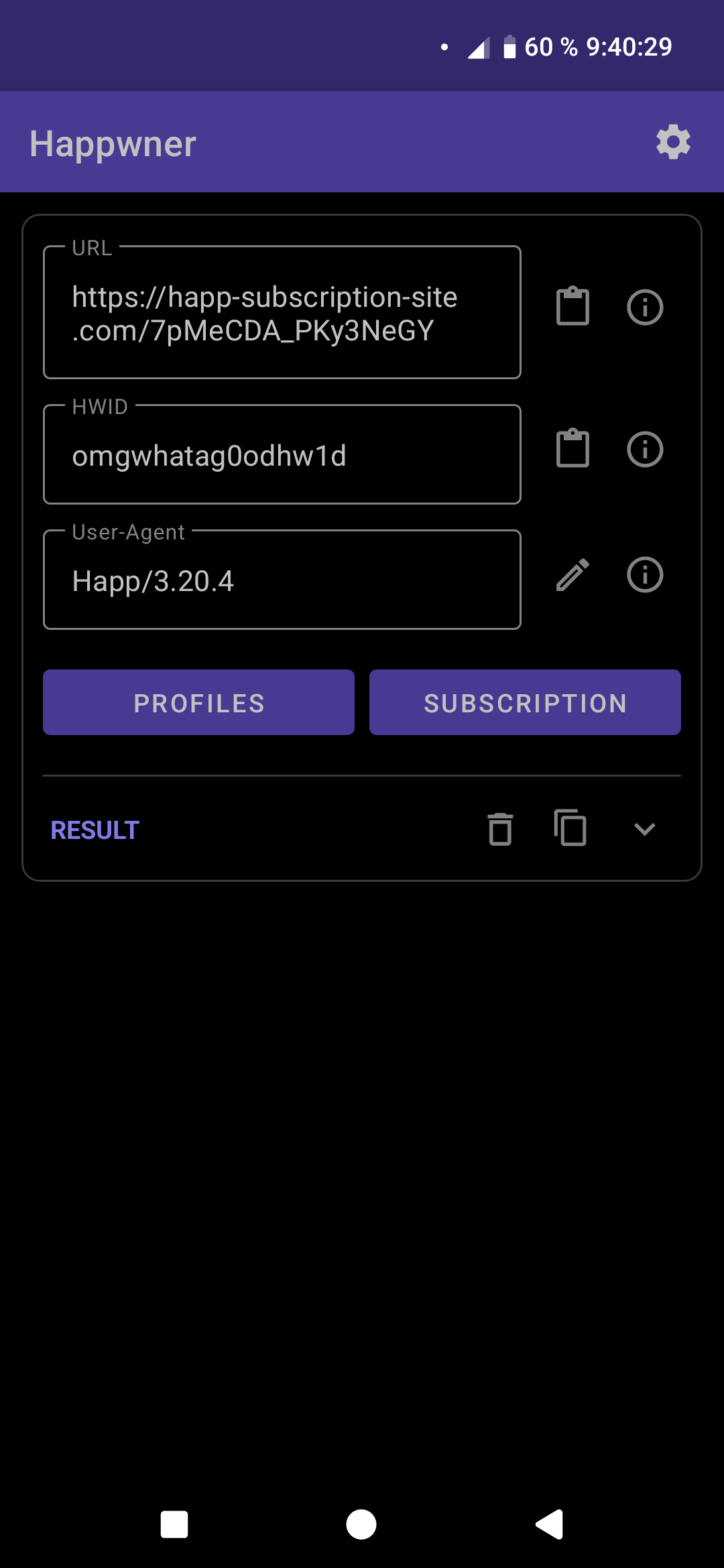
Happwner extracts clean VPN configurations and transfers them into any application. You do not need to install Happ to use all of its subscriptions.
Features:
- Link decryption. Supported formats:
happ://crypt,crypt2,crypt3,crypt4,crypt5. Decryption does not require Happ, Xposed, LSPatch/NPatch, or an internet connection. - Subscription profile decryption. If a provider encrypted their servers using one of the ten keys built into Happ, the app will automatically decrypt them and display the corresponding message.
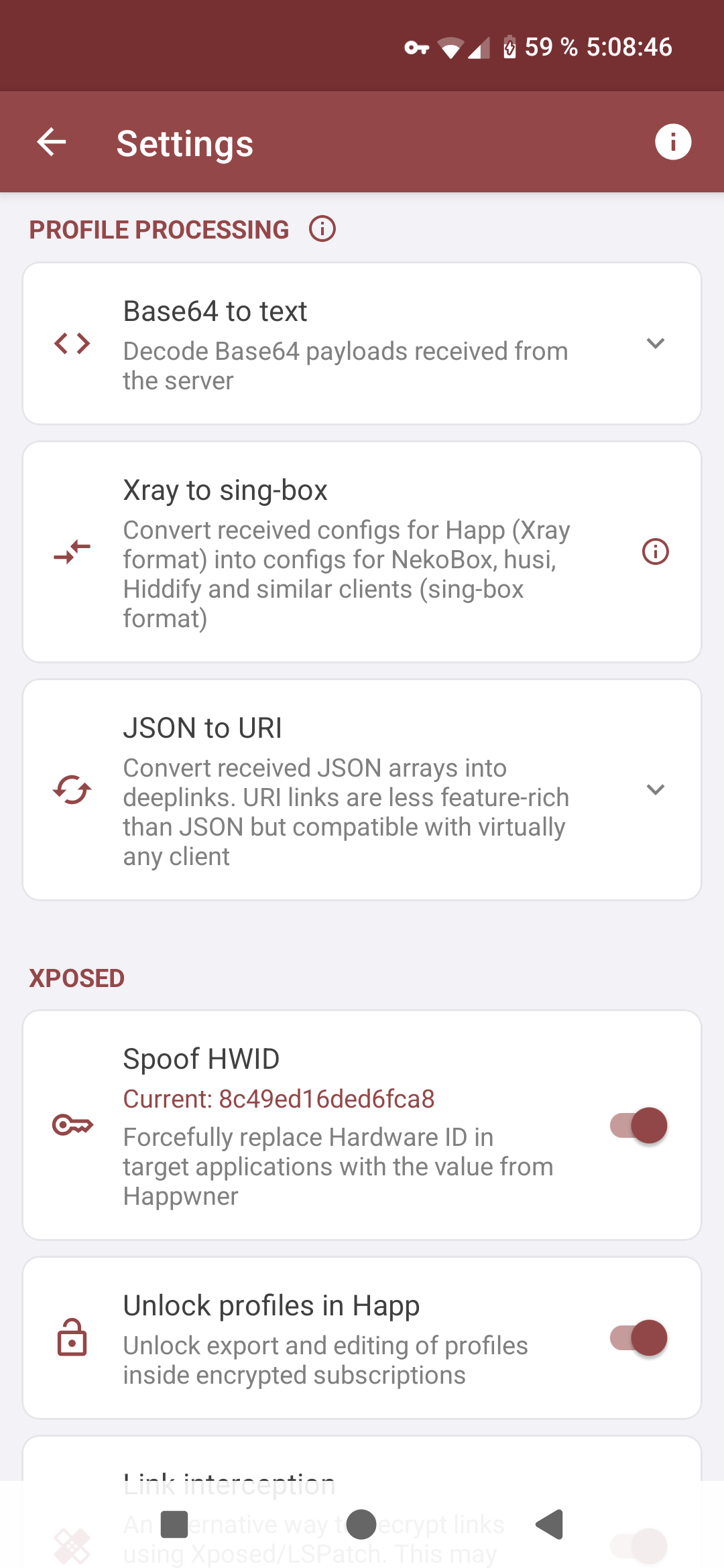
- HWID spoofing when requesting subscriptions through the Happwner interface. Allows bypassing device limits and restoring access to subscriptions after changing devices;
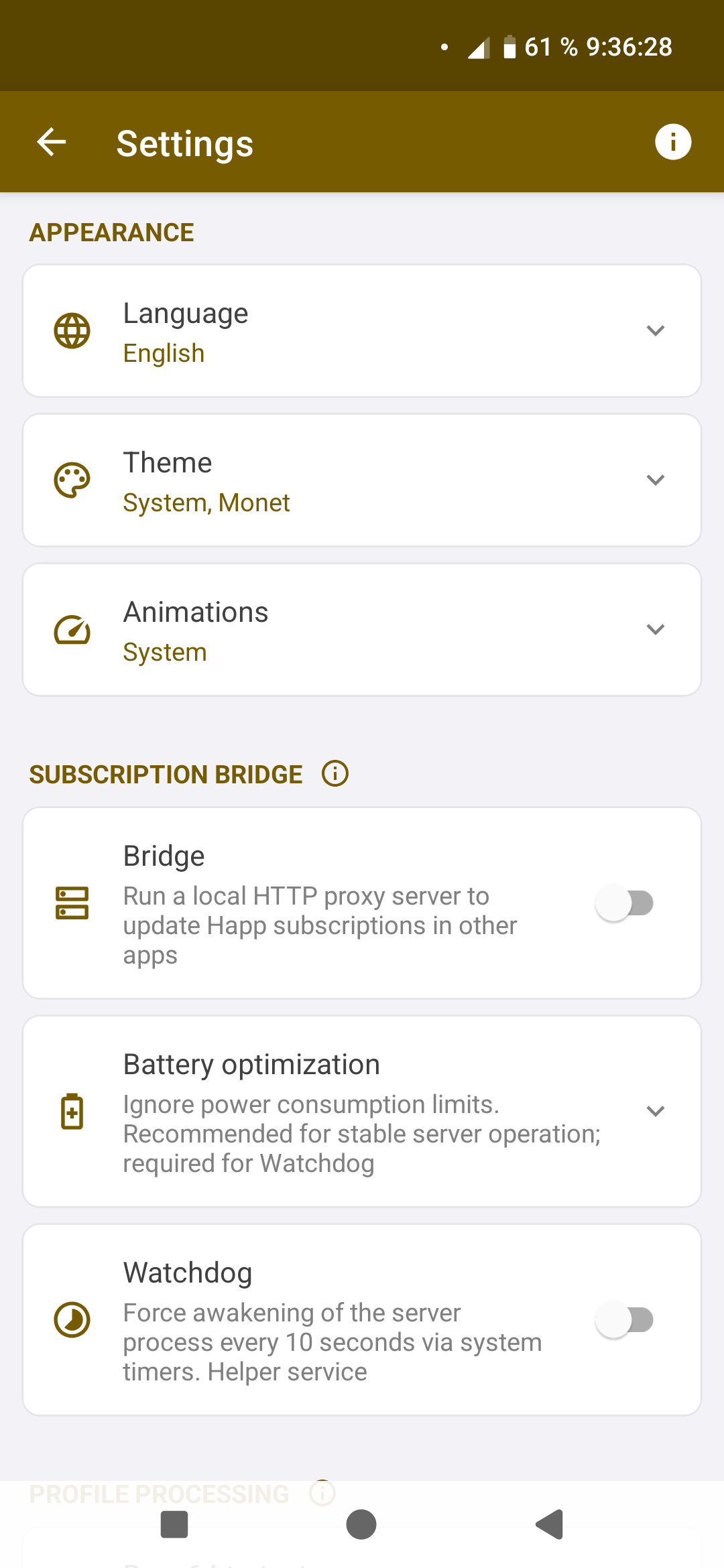
- "Bridge" — a built-in service for updating Happ subscriptions inside any apps (NekoBox, Hiddify, v2rayNG, husi, Exclave, Karing, and others);
- Intent link handling for
happ://addandhapp://crypt, instead of Happ itself.
- Link interception. An alternative method for decrypting
cryptlinks. Works in all applications and may be useful if decryption keys are unavailable (for example, whencrypt6appears); - HWID spoofing inside Happ and other apps marked as targets in the Xposed/LSPosed manager;
- Unlocking encrypted subscription profiles inside Happ. Forces profile arrows to appear and allows exporting configurations even when the subscription is encrypted;
- Quick access to the Happwner interface via a three-finger tap gesture while Happ or another target app is open.
Xposed functionality requires Xposed / EdXposed / LSPosed / Vector, OR a patched version of Happ created using Xpatch / LSPatch / NPatch / FunBox.
- Install the Happwner APK from the Releases page.
The app supports Android 5.0 (Lollipop) and above.
- Install Happwner and Happ;
- Enable Happwner in your Xposed manager and select the recommended apps;
- Restart Happ.
- Install Happwner, Happ, and NPatch (version 1.0.2 is recommended);
- In NPatch: Manage tab → "+" button → Select an installed app → Happ → Integrated mode → Embed Modules → Happwner → Start Patch.
NPatch does not notify the user when the patched app has been installed successfully. Tap "Install", wait a few seconds, then check whether Happ appears in your application list.
To give users control over their subscriptions again, improve service transparency, and protect themselves from dishonest providers.
Happ is not just a VPN client, but part of a commercial ecosystem aimed at VPN providers. It gives them extended capabilities by introducing restrictions for users.
- Encrypted links (
happ://crypt5) hide the real URL and prevent viewing server configurations; - The hardware identifier (HWID) tightly binds a purchased subscription to a specific device;
- The lack of advanced settings in Happ makes it impossible to hide traffic from questionable providers using proxy chains;
- If a ProviderID is embedded into a
crypt5link, the app will once a day compare the subscription domain hash, app version, and OS version against the data specified in the seller's dashboard on happ-proxy.com; - A seller who added a ProviderID to an encrypted link gains the ability to remotely manage the application without user interaction. Happ allows them to:
- Force-enable HWID transmission even if it is disabled in settings;
- Block manual User-Agent modification while still allowing remote changes;
- Manage local SOCKS and HTTP proxies by reconfiguring or disabling authentication;
- Force users to connect to a specific server when launching Happ;
- Disable global routing in Happ;
- Configure application proxying by adding or removing exclusions;
- Hide VPN servers depending on the connection type (Wi-Fi / mobile network);
- Configure automatic server testing (auto-ping) when opening the app;
- Control the
pingtype (via Proxy - GET/HEAD,TCP,ICMP) and specify a custom URL for server availability checks; - Change the subscription URL;
- Set the subscription auto-update interval;
- Enable Happ auto-start on device boot;
- Force-update all subscriptions every time the app starts;
- Expand the server list after subscription updates or completely disable collapsing;
- Pin or unpin subscriptions in the main list;
- Change server sorting order alphabetically or by ping;
- Control traffic multiplexing.
The list is incomplete. Management parameters are sent through HTTP headers and the response body with each subscription update.
- slavrom21 for his invaluable contribution to the project (and most of the hard work): reverse-engineering Happ to decrypt profiles, the Xray-to-sing-box converter, profile unlocking via Xposed, new animations, Monet support, and many other improvements.
You may use, copy, distribute, modify, and build this software for non-commercial purposes, provided that proper attribution is given to the authors (Omegaplex, slavrom21) and a link to the source repository is included (https://github.com/Omegaplexx/Happwner).
Commercial use, sale, monetization, inclusion in commercial products, or generating profit from this software without the author's permission is prohibited.
I assume no obligations toward you as a user, do not guarantee the software will function correctly, and am not responsible for any actions you take.
Happ attempts to prevent VPN server reselling by restricting user actions. I remove those restrictions and, in doing so, restore the ability to use servers for purposes beyond the provider's intended limitations. I condemn any activity that harms a VPN provider's infrastructure and encourage using Happwner responsibly: the program is intended for personal convenience and for sharing configurations with friends and family. Sharing Internet access is not wrong, as long as you do not create problems for the people providing it.