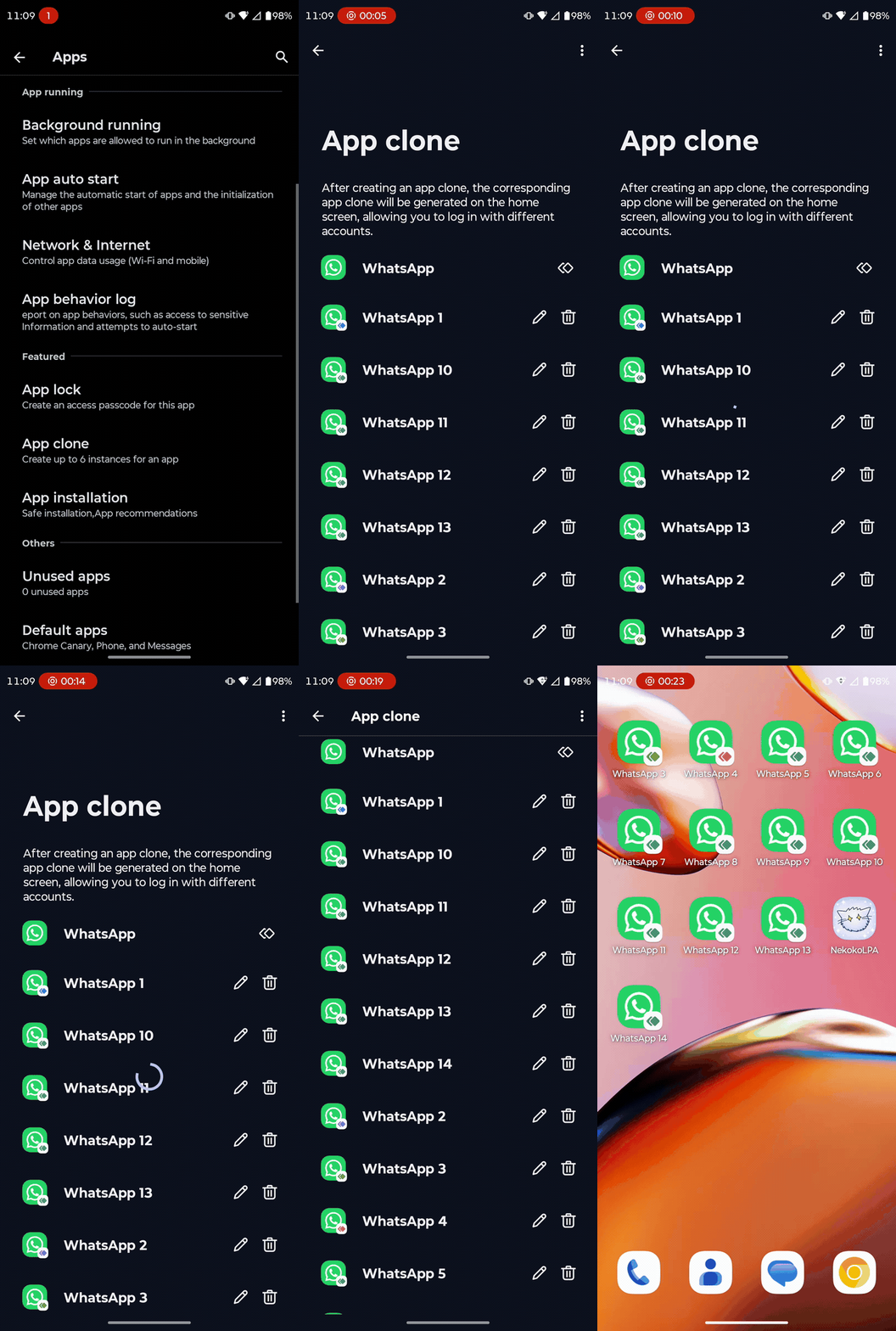
Create more app clones with Motorola’s built-in app cloning. Keep using the stock cloning interface, launcher icons and separate app data—no repackaged APKs or separate clone manager.
- A Motorola device running Android 16 or later with native app cloning.
- Vector or another LSPosed-compatible framework with legacy Xposed API 93 support, including method deoptimization.
Compatibility is checked against the available system interfaces, not a model name or firmware fingerprint. Firmware implementations differ; passing those checks does not guarantee every app or device works.
- Download
MotoAppClone.apkand its checksum from Releases. - Verify it with
sha256sum -c MotoAppClone.apk.sha256, then install the APK in the main user. - Enable the module in your framework manager. Select System Framework and the relevant recommended app scopes, including Motorola’s cloning interface and launcher. App-local hooks also need the module enabled in that user.
- Reboot to load the system hooks, then manage clones through Motorola’s normal UI.
The module does not create, delete, rename or migrate profiles automatically. Release APKs cannot normally update older debug-signed installations in place; plan a signer change separately without deleting clone profiles.
The configured quota and running-user limit are 21472, not a practical capacity guarantee. Allocation respects the platform’s user-ID bounds and existing users. Memory, storage and system limits will be reached much earlier.
Profile retention depends on compatible hooks being active at boot. Disabling the module or changing firmware can expose extended clones to Motorola’s cleanup. Use disposable data until your device’s creation, launch, reboot and removal behavior has been checked. Boot success alone does not prove app isolation, notifications, input methods or biometrics work correctly.
For build instructions, compatibility details and a redacted diagnostic export, see BUILDING.md. Report problems through Issues.