Pixel Launcher Folders is an Xposed/LSPosed module that adds customizable folders to the Pixel Launcher app drawer.
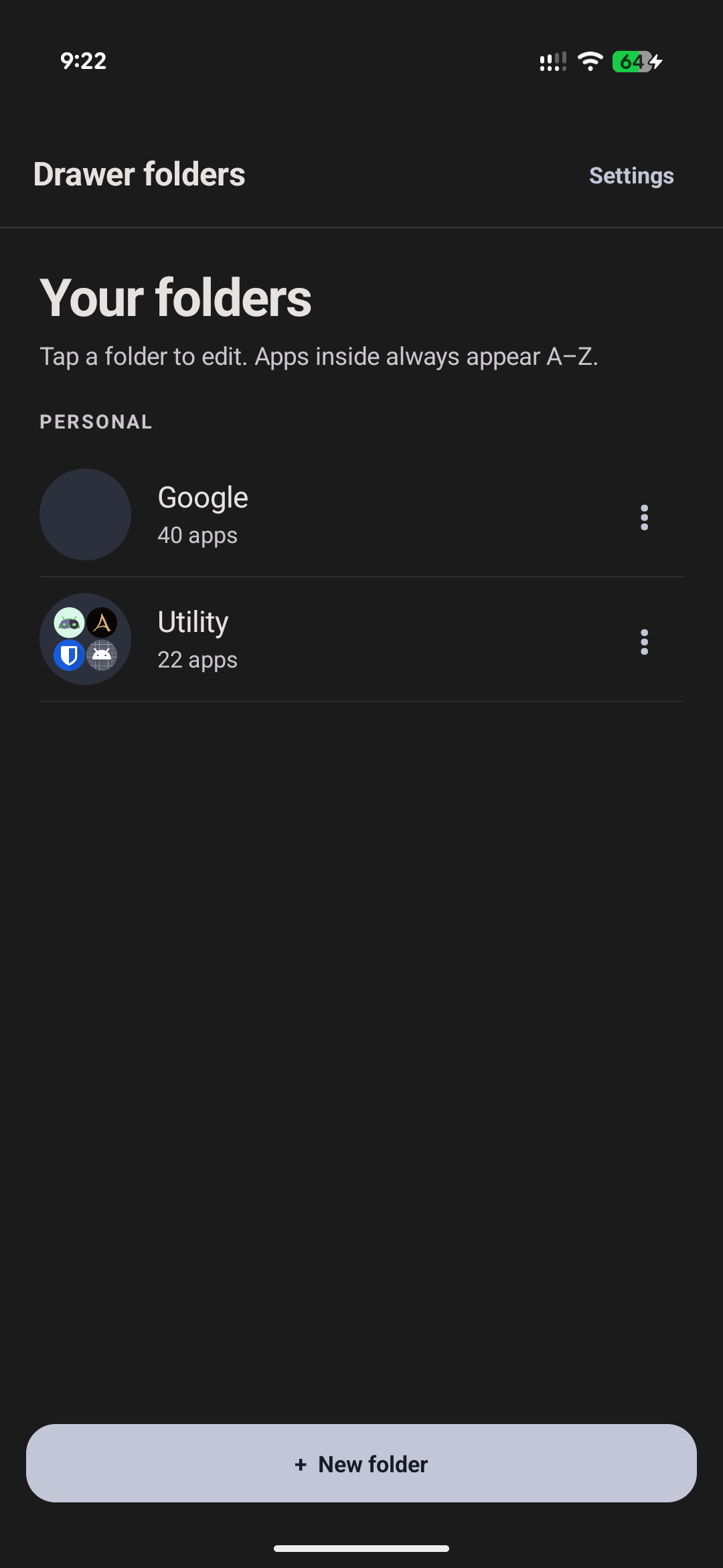
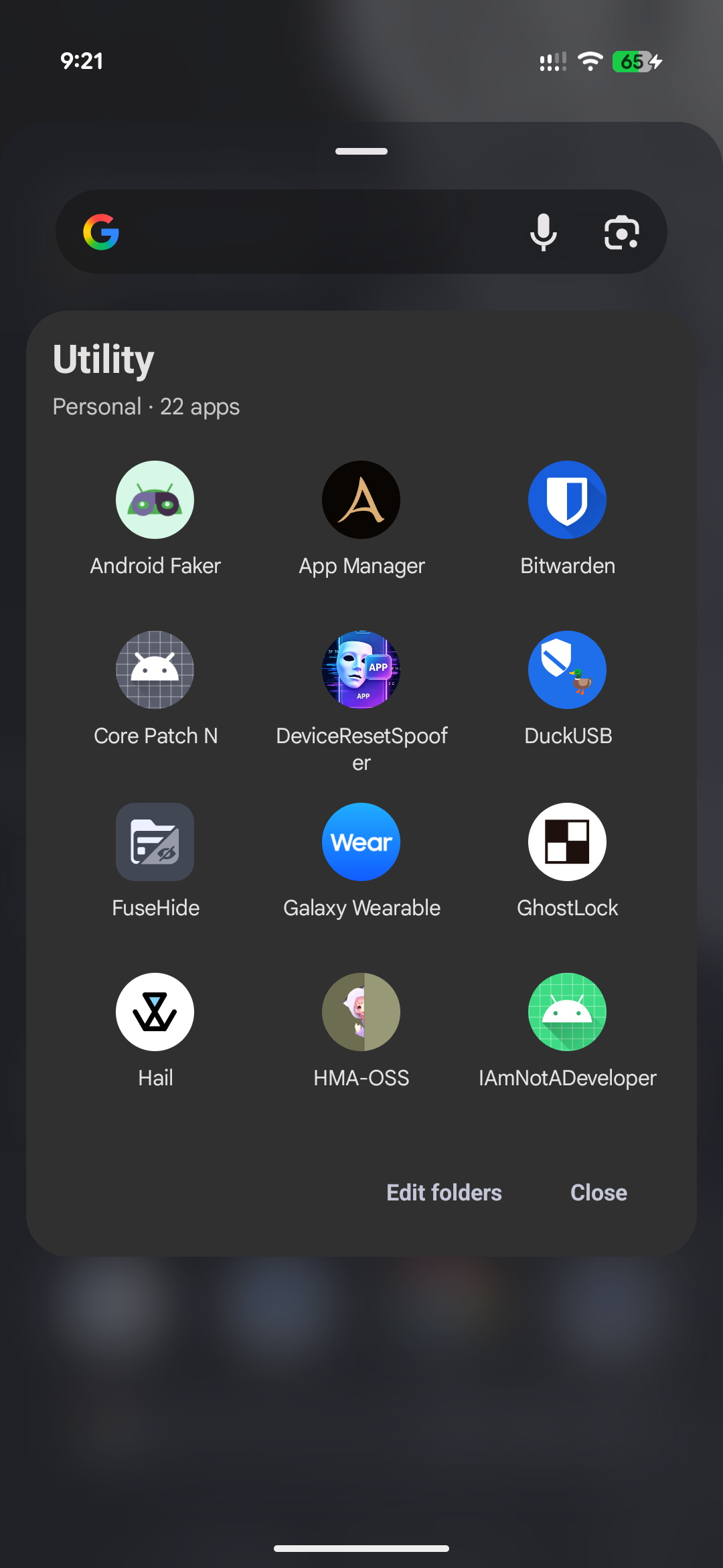
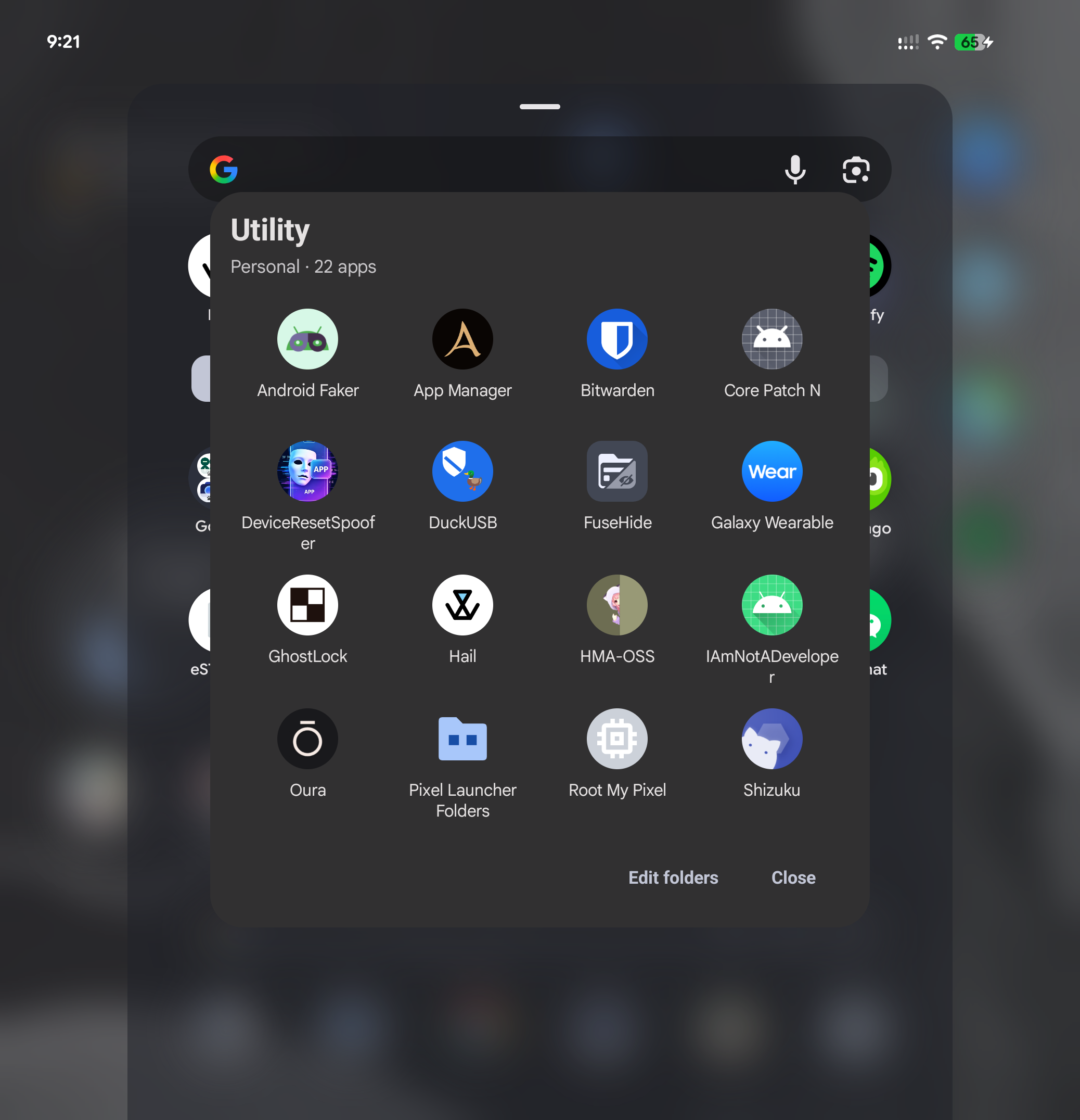
- Create and arrange folders as normal app-drawer cells.
- Sort folder contents and four-icon previews alphabetically.
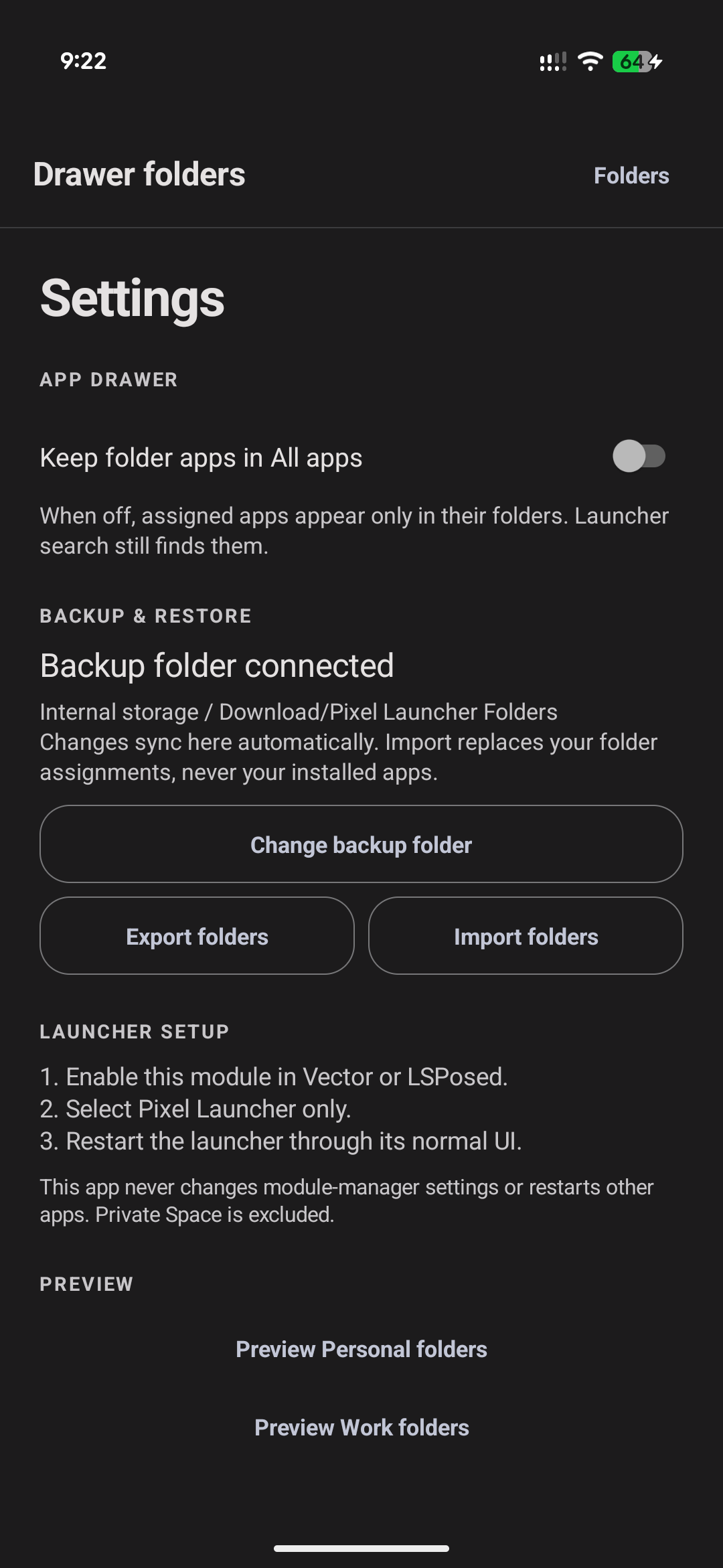
- Optionally keep folder apps out of the main alphabetical app list.
- Tap to launch an app; long-press to start the launcher drag flow.
- Back up and restore assignments through Android's user-selected Files storage.
- Preserve Android profile identity while excluding Private Space.
The module does not edit the launcher database, modify APKs, install apps, or read Private Space. It requires no Internet permission.
- Android 15 or newer.
- Root access with LSPosed, Vector, or a compatible Xposed framework.
- Pixel Launcher package
com.google.android.apps.nexuslauncher.
The maintained test target is Pixel 11 Pro Fold, Android 17, Pixel Launcher 17. Other launcher versions are unverified. Split-screen and pop-up dragging remain experimental; disable the module's launcher scope if an update causes problems.
- Install the APK from Releases.
- Enable Pixel Launcher Folders in LSPosed or Vector.
- Scope it only to
com.google.android.apps.nexuslauncher. - Restart Pixel Launcher and open the Pixel Launcher Folders settings app.
Choose a folder through Android's document picker. Export writes editable text
files plus a JSON manifest containing folder order, IDs, profile identity, and
settings. Import accepts that manifest or plain .txt files. Import changes
only this module's folder configuration; it never installs, removes, disables,
or modifies applications.
 |
 |
 |
 |
Report issues at the source repository with the device model, Android version, Pixel Launcher version, module version, and reproduction steps. This project is not affiliated with Google, Pixel Launcher, or LSPosed.