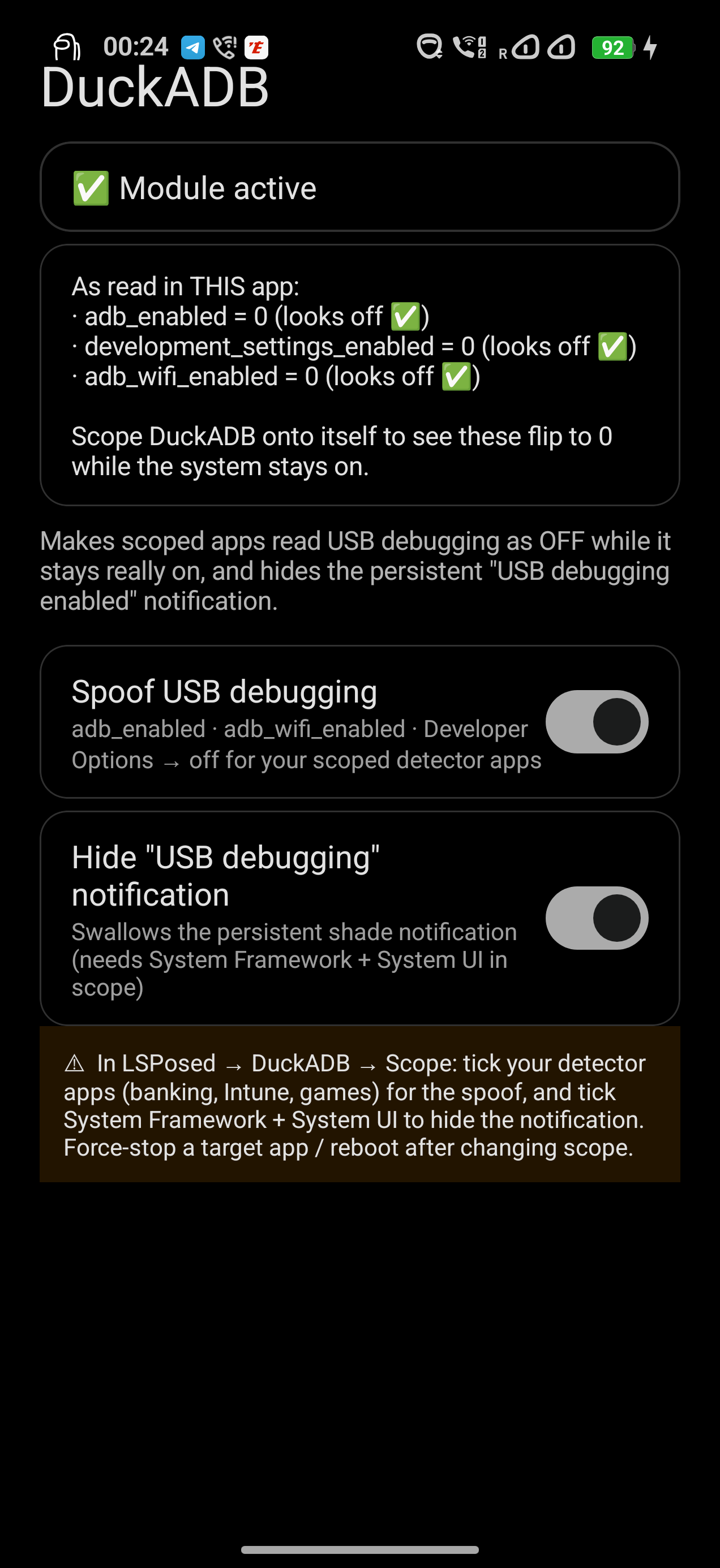
Makes apps read USB debugging as OFF while it stays really ON, same for wireless debugging and Developer Options, and hides the persistent "USB debugging enabled" notification.
Source, issues & builds: https://github.com/Bouteillepleine/DuckUSB
Tick the entry whose package is system. That is the one that injects into system_server, which is where the whole spoof now lives. Not the one whose package is android; that does not inject there, and picking it gives you a module that looks enabled and does nothing.
Add System UI for the notification hider. Nothing else needs scoping — there is no per-app mode any more. Reboot after scoping.
Detection apps don't read any real adb state. They query the settings provider for adb_enabled, adb_wifi_enabled and development_settings_enabled.
One hook in system_server covers every app at once, on the provider's call and query, so the getter and a direct cursor read agree — a detector that queries the settings table instead of calling the getter reads the same lie.
Nothing is injected into the apps being fooled. That is the point: a hook installed inside a target process leaves dirty executable pages in its own memory, and a detector reading its own /proc/self/smaps can see them. From 2.0.0 there is no client-side hook and no native library at all, so there is nothing in those processes to find.
Callers at uid < 10000 (root, system, shell) always read the truth, so adb and the Settings toggle keep working, and the OS file-transfer components are spared so MTP is unaffected.
A diagnostics card lists every caller that was lied to since boot, so a mis-scoped module can't masquerade as a working one. The same card compares what the app reads against the true values, served from system_server — DuckUSB never spoofs itself, so a mismatch there means something else on the device is spoofing this app.
Pause (live, stops everything) · Spoof USB debugging · Cover the query path · Hide the notification · Mask the USB config property · Verbose log.
Mask the USB config property is the one extra: detectors also flag persist.sys.usb.config=adb. It is rewritten to mtp in the property area itself, so every read route agrees, and only there — the persisted value on disk stays adb, because init seeds sys.usb.config from it at boot and writing mtp to disk would bring USB up with no adb interface. It needs root, and it reverts on reboot unless the boot script is installed.
Same behaviour without an Xposed framework, for KernelSU / Magisk, built from the same repo. Either one alone is enough.
OnePlus 15 / OxygenOS / Android 16 with LSPosed + KernelSU. Verified there and nowhere else, though the provider is matched by authority and the guards key off uid rather than OEM package names.