




An LSPosed module that automatically changes Evolution X Pulse and Battery Bar colors based on the currently playing album artwork.
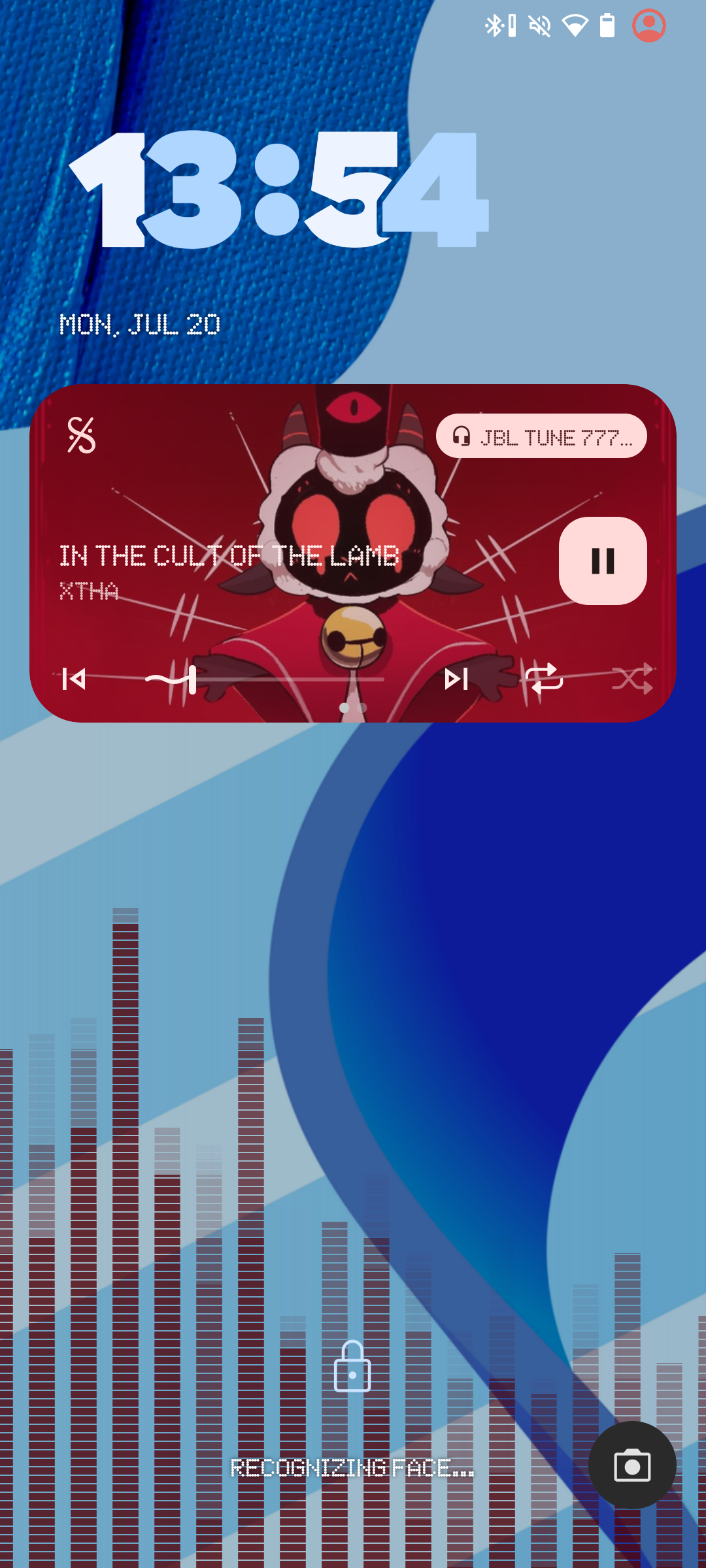
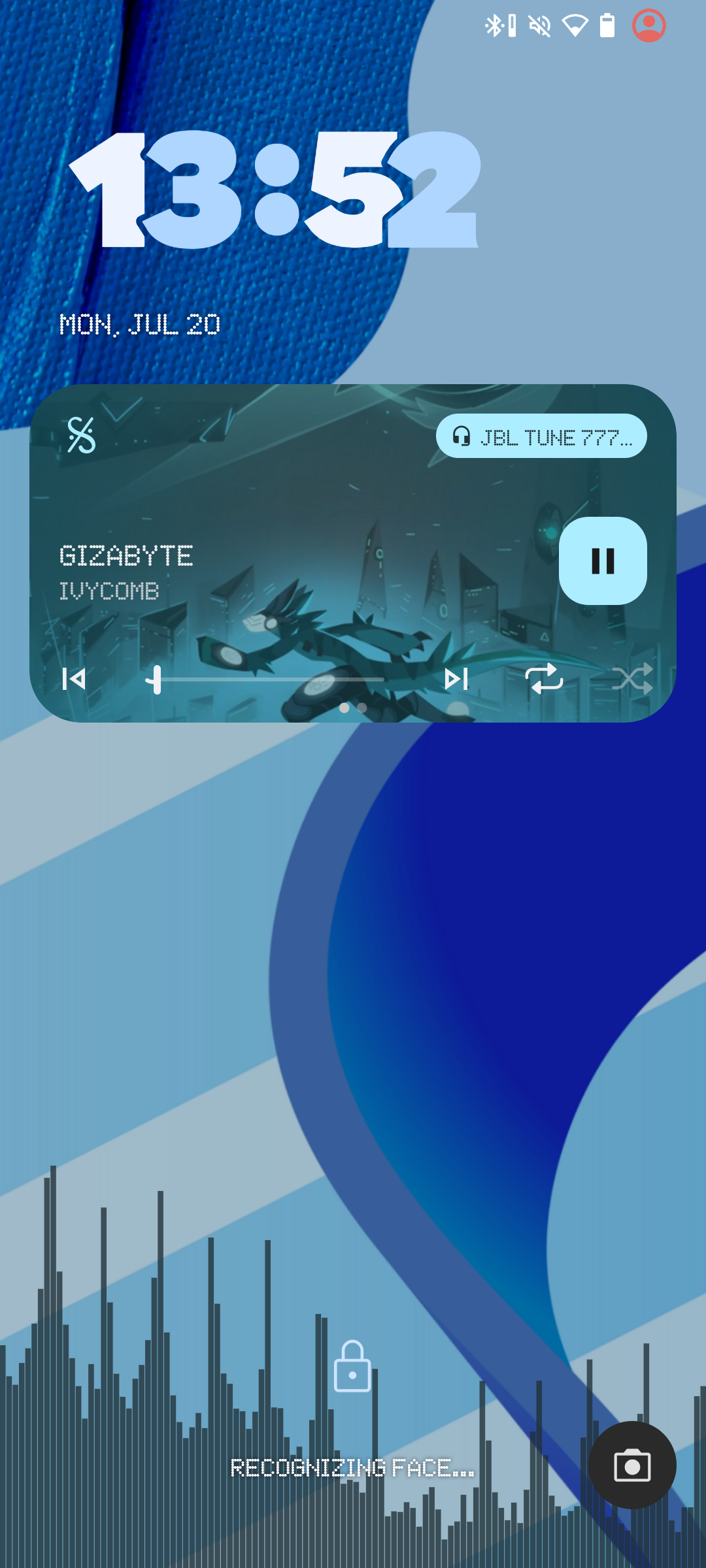
Table of Contents
PulseAutoColor is an LSPosed module designed for Evolution X users who want a more dynamic and personalized system UI. The module hooks into the system's notification media manager to detect when music changes and automatically extracts the dominant color from the album artwork.
The extracted color is then applied to both the Pulse visualizer and the Battery Bar, creating a consistent color theme throughout the system UI that changes automatically with your music.
This creates a seamless, visually immersive experience where your music's color palette is reflected in the system UI. Supports LibXposed API 102 and requires root access via a compatible Xposed framework.
- Evolution X ROM
- Android 10 (API 29) or higher
- LSPosed with LibXposed API 102 or higher
- Root access
- Pulse with Color set to Custom enabled in settings
- Hooks
NotificationMediaManagerinsidecom.android.systemui - Detects media metadata updates and album artwork changes
- Retrieves the current album artwork from media notifications
- Extracts the dominant color using the Android Palette API
- Writes the color to
Settings.Secure.pulse_color_userandSettings.System.statusbar_battery_bar_color - Evolution X updates the Pulse visualizer and Battery Bar with the new color in real time
Download the latest version from the GitHub Releases page:
Latest Release: v1.1.0 — Includes automatic Battery Bar color support
Previous Release: v1.0.0 — Pulse color support only
- Download the latest PulseAutoColor module from the releases page.
- Enable the module in Vector or LSPosed Manager and grant
com.android.systemuipermissions. - Make sure you have enabled Pulse in Evolver and set the Color option to Custom.
- Reboot your device for the changes to take effect.
Note
This module is designed for Evolution X. Compatibility with other ROMs has not been tested and is not guaranteed. Ensure LSPosed or Vector with API 102 is properly installed and Pulse visualizer is enabled in your system settings.
After rebooting your device, the Pulse visualizer may only start working after changing the system volume. This is normal behavior and is not related to the module. To verify that the module is working, play music with a different album cover and check whether the Pulse and Battery Bar colors change automatically.
- App package:
com.vend.pulseautocolor
- Main project: https://github.com/v3ndable/PulseAutoColor
This project is licensed under the MIT License.
See the LICENSE file for the full license text.