
Hide ads and sponsored content in the Amazon Shopping Android app.




- Strips sponsored cards, video carousels, and ad slots from the Amazon app
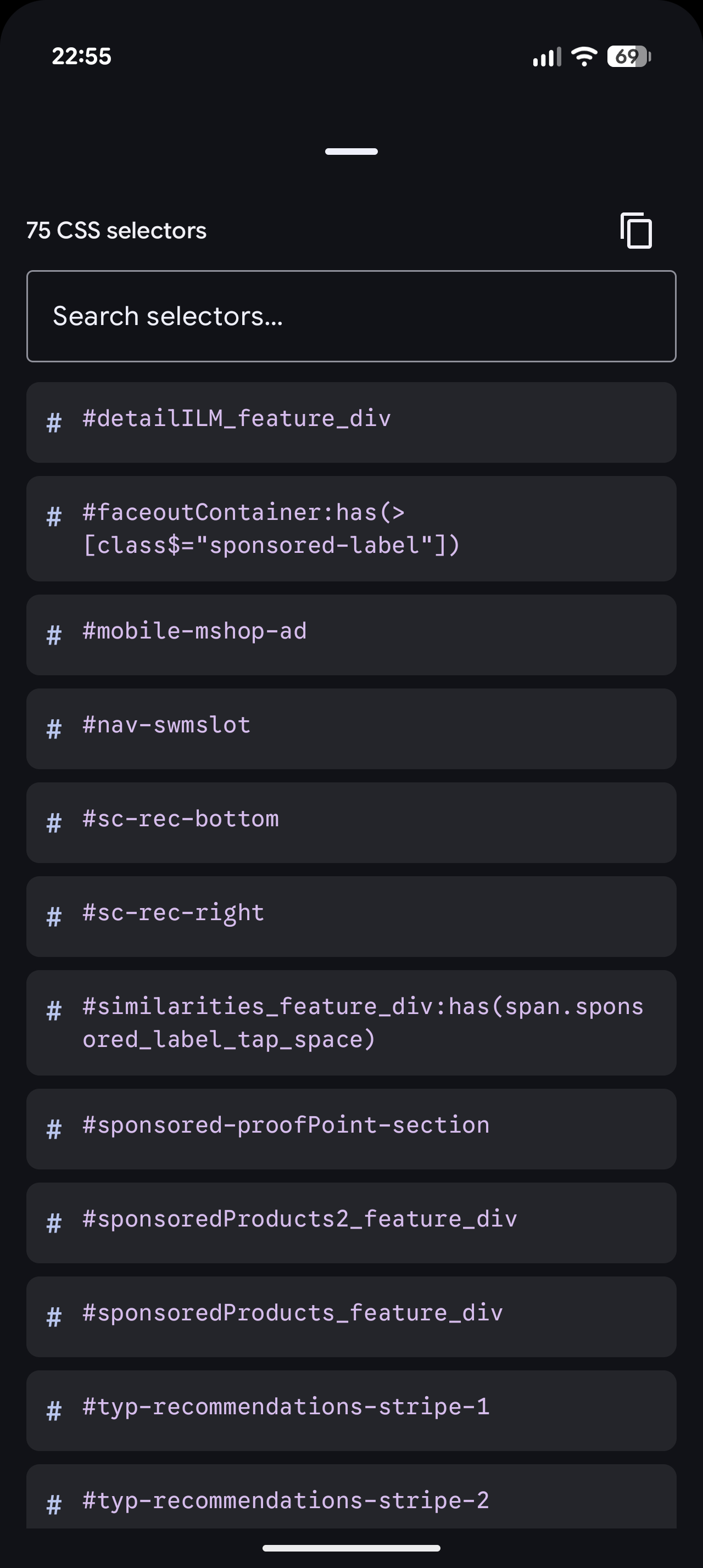
- Bundled selector list with remote sync, custom URL, and CSS-injection sanitization
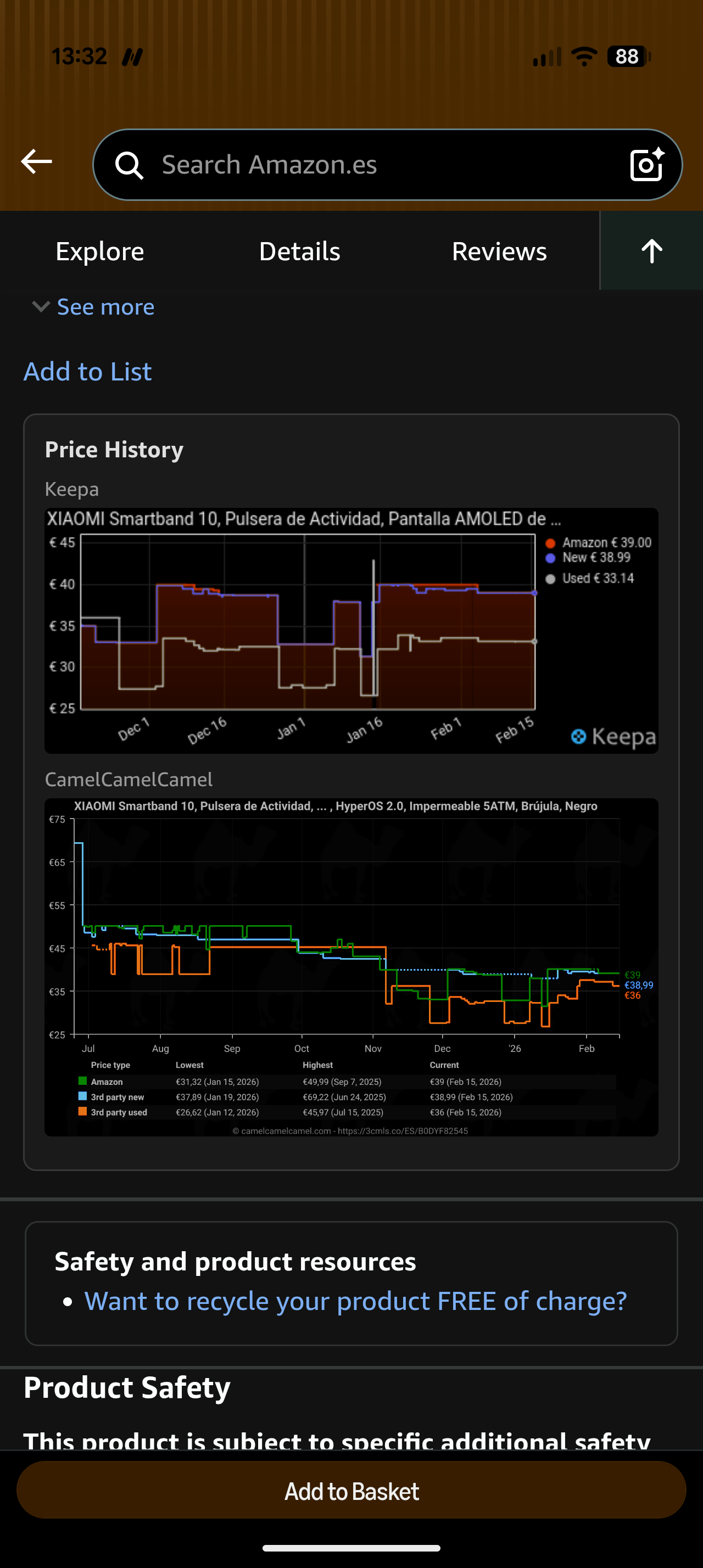
- Price history charts on product pages via Keepa and CamelCamelCamel (US, UK, DE, FR, JP, CA, IT, ES, IN, MX, BR, AU)
- Optional Force Dark for the Amazon UI (experimental, see below)
- Material 3 Expressive settings UI in Jetpack Compose
- Free and open source (FOSS)
- Android 10 (API 29) or higher
- LSPosed Manager with libxposed API 101 support
- Amazon Shopping (
com.amazon.mShop.android.shopping)
-
Grab the APK:
-
Enable the module in LSPosed and scope it to
com.amazon.mShop.android.shopping. -
Open the AmznKiller app to confirm the module is active and refresh selectors.
-
Force-stop Amazon Shopping and relaunch.

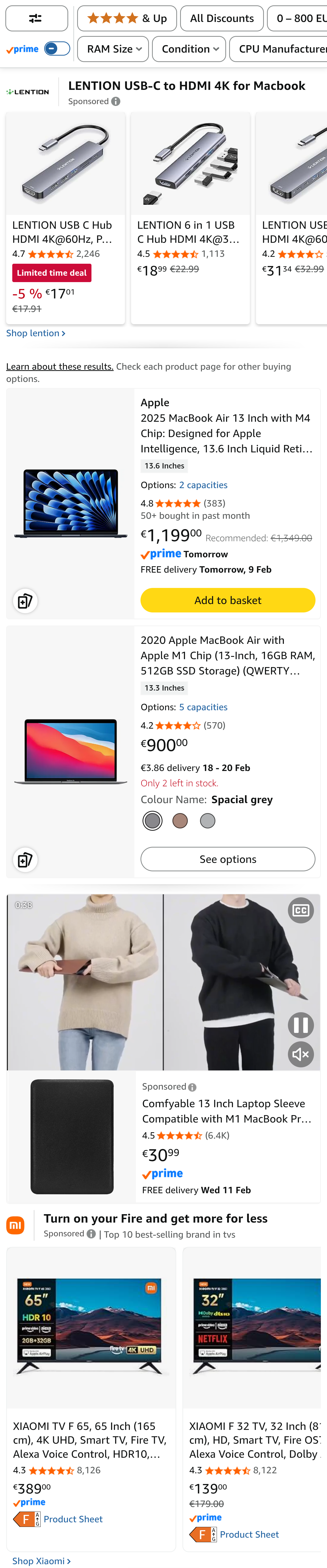
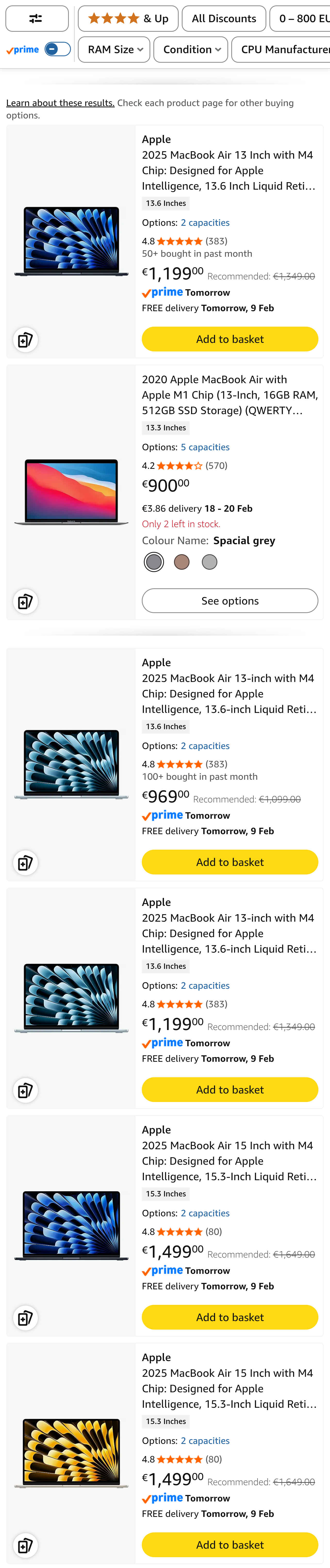
Search query: "macbook air m1 16gb 512"
| Stock (2 real results, rest are ads) | Patched |
|---|---|
 |
 |
| Force Dark | Price History |
|---|---|
 |
 |
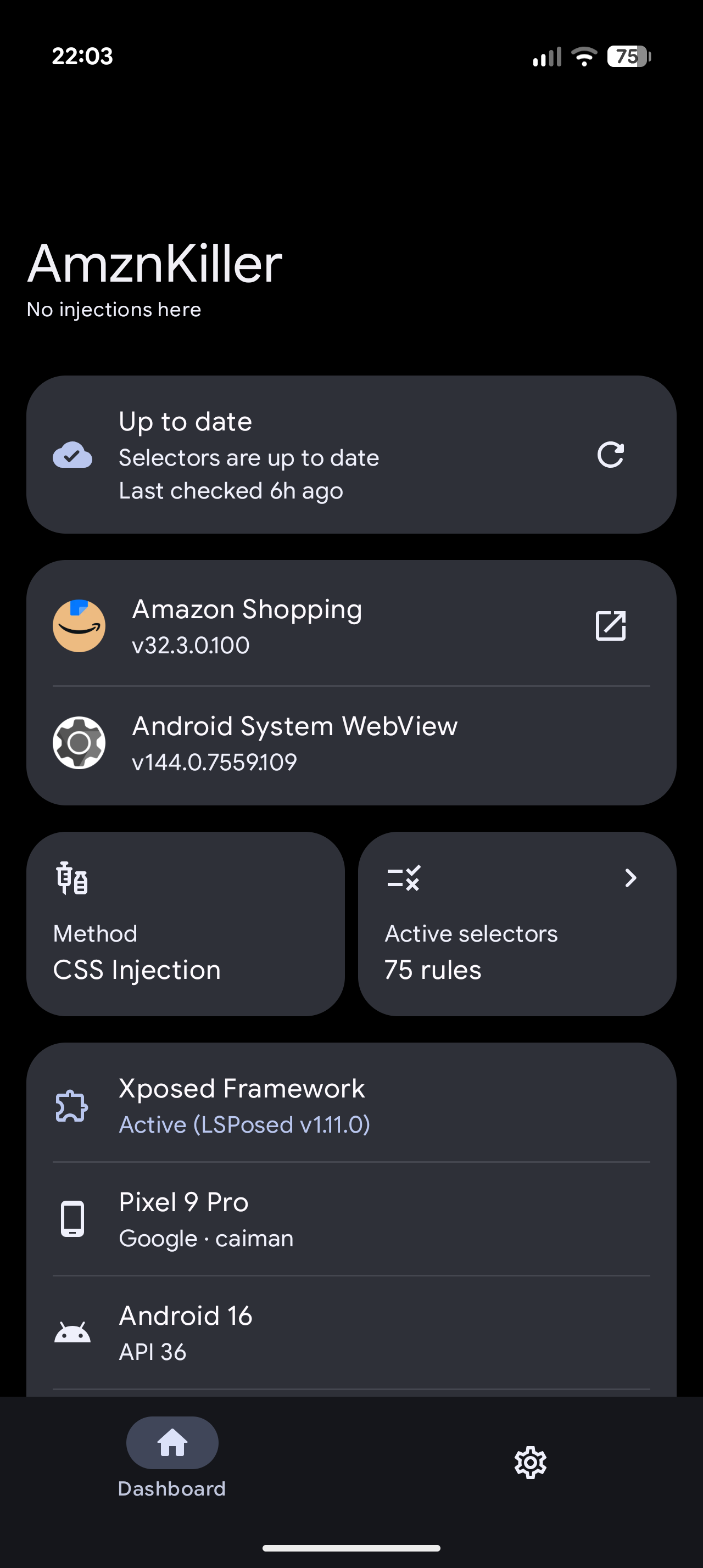
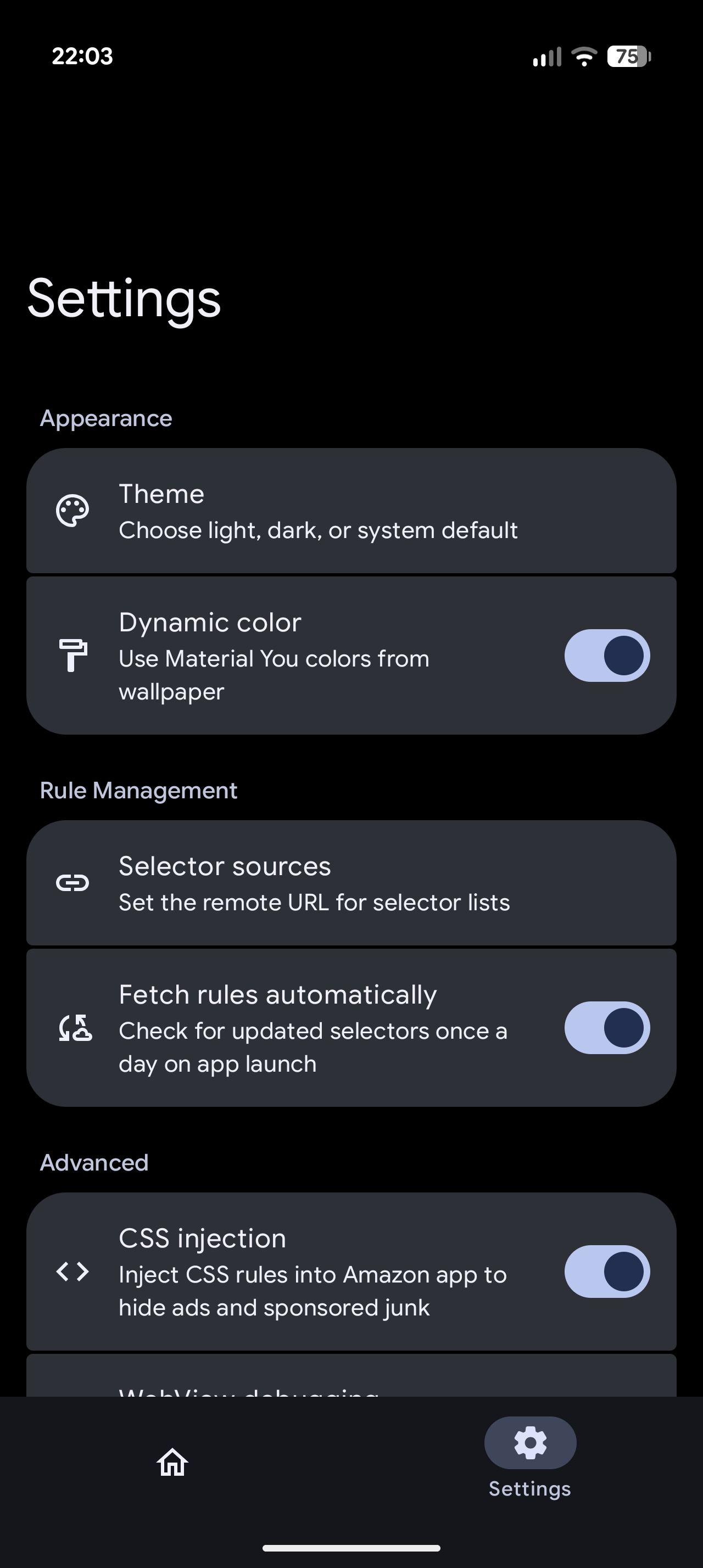
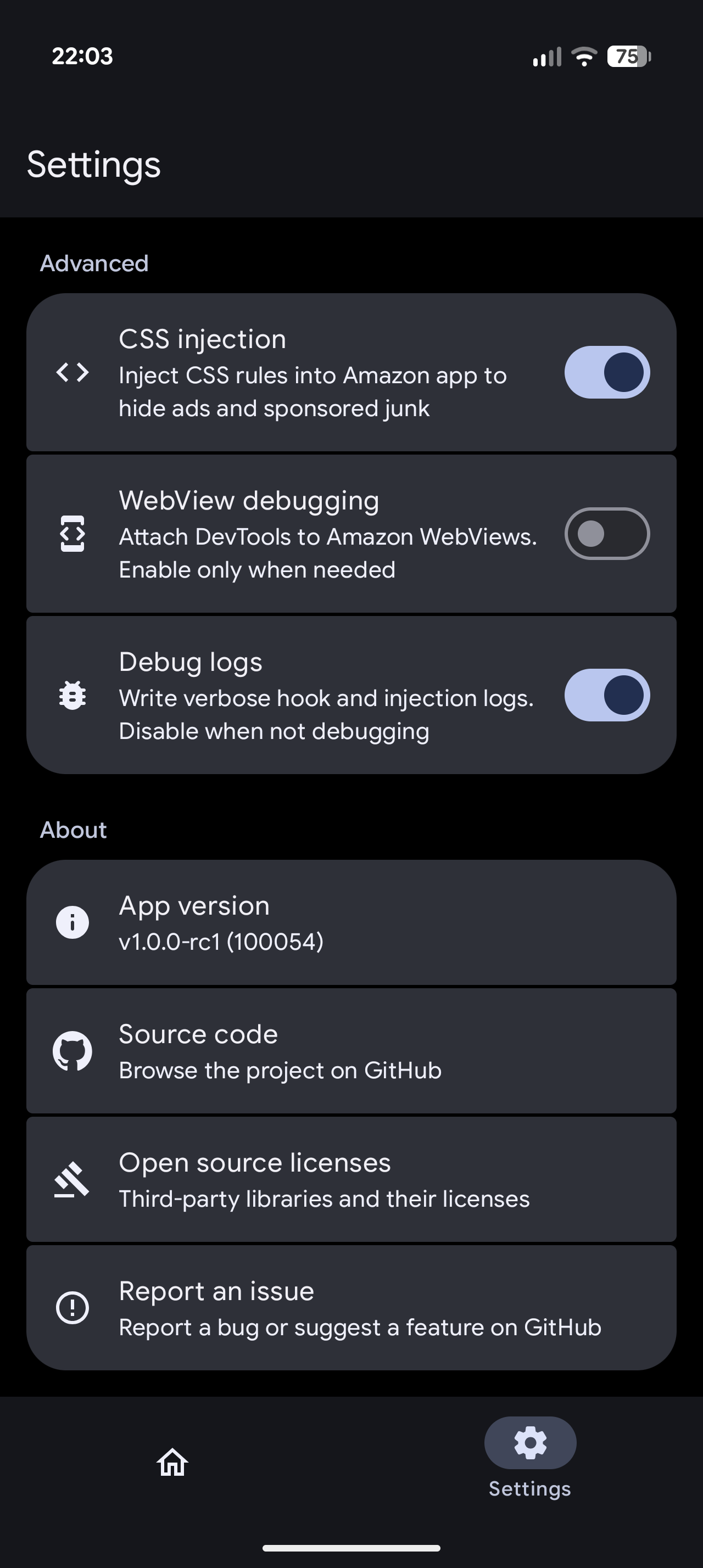
| Dashboard | Selectors | Settings | Settings (bottom) |
|---|---|---|---|
 |
 |
 |
 |
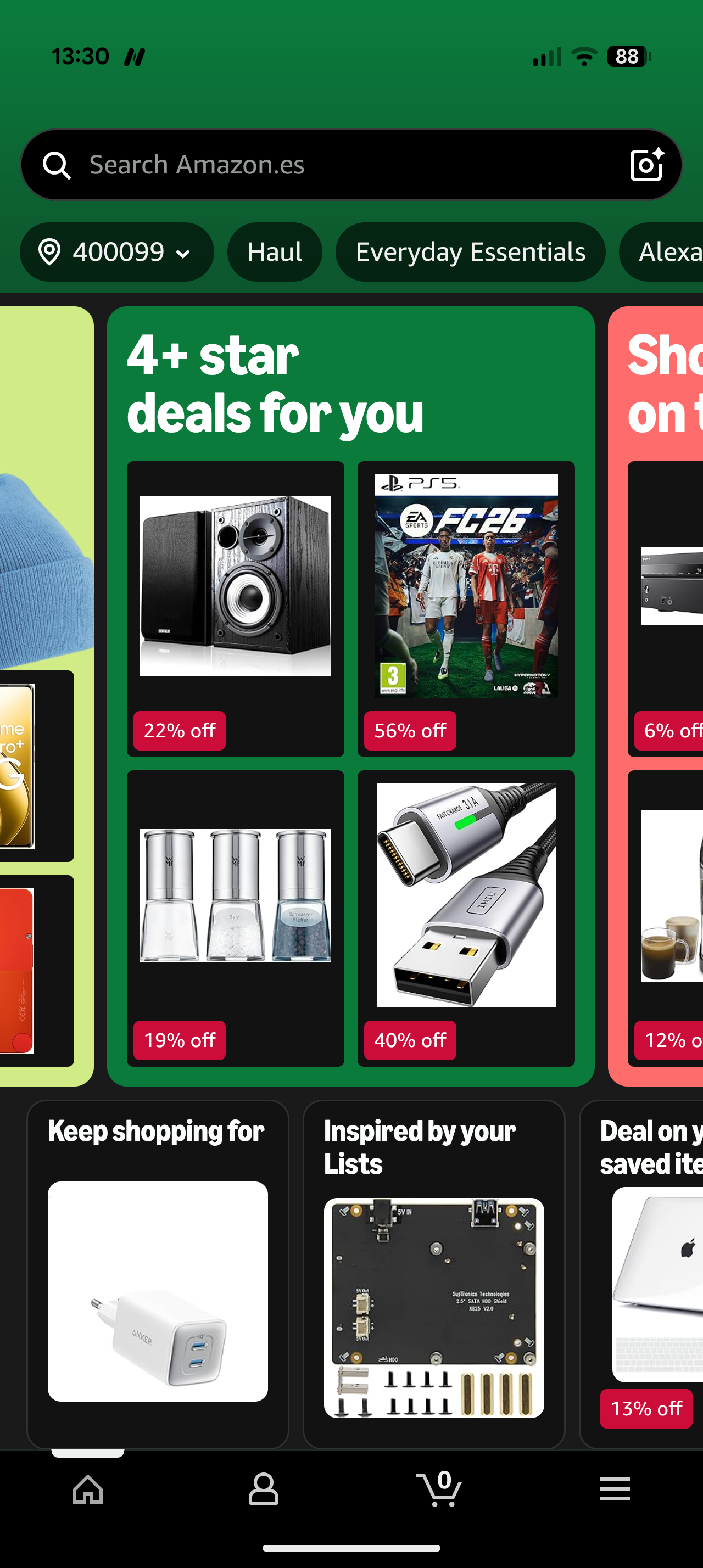
Amazon disables Android force dark via forceDarkAllowed=false in its theme. The module triggers GPU-level darkening across native views and WebViews, plus supplementary CSS.
The API this relies on landed in Android 15 (API 35). On Android 10-14 Amazon's opt-out blocks the fallback path.
On some Android 15+ devices it still is not enough and native views stay light. Not confirmed yet, only hints so far, tracked in #6. If it affects you, enable debug logs and include dark probe forcedarktype.
Disabled by default. Enable in settings if on Android 15+.
- Confirm the module is enabled in LSPosed and scoped to Amazon Shopping.
- Force stop Amazon Shopping and reopen.
- Check the AmznKiller dashboard: Xposed must be active and selector count above 0.
- Tap refresh. If it fails, reset the selector URL in settings.
- If pages render broken, disable CSS injection, refresh selectors, then re-enable.
This is cosmetic blocking only. Network requests still happen. Pair with DNS-based blockers (AdGuard, NextDNS, Pi-hole) for full coverage.
git clone https://github.com/hxreborn/amznkiller.git
cd amznkiller
./gradlew :app:assembleDebug
Requires JDK 21 and Android SDK. Configure local.properties:
sdk.dir=/path/to/android/sdk

# Optional: release signing
RELEASE_STORE_FILE=<path/to/keystore.jks>
RELEASE_STORE_PASSWORD=<store_password>
RELEASE_KEY_ALIAS=<key_alias>
RELEASE_KEY_PASSWORD=<key_password>See CONTRIBUTING.md. For bugs or feature requests, open an issue.

GPL v3.0. See LICENSE.