Automatically dismiss GitHub Mobile's 2FA verification dialog after approval.




Every time you approve a 2FA push notification in the GitHub app, a "Verification request approved" dialog blocks the screen until you tap CLOSE. This module removes that friction by hooking the dialog's Compose state machine and finishing the activity as soon as the approval completes.
| Stock | Patched |
|---|---|
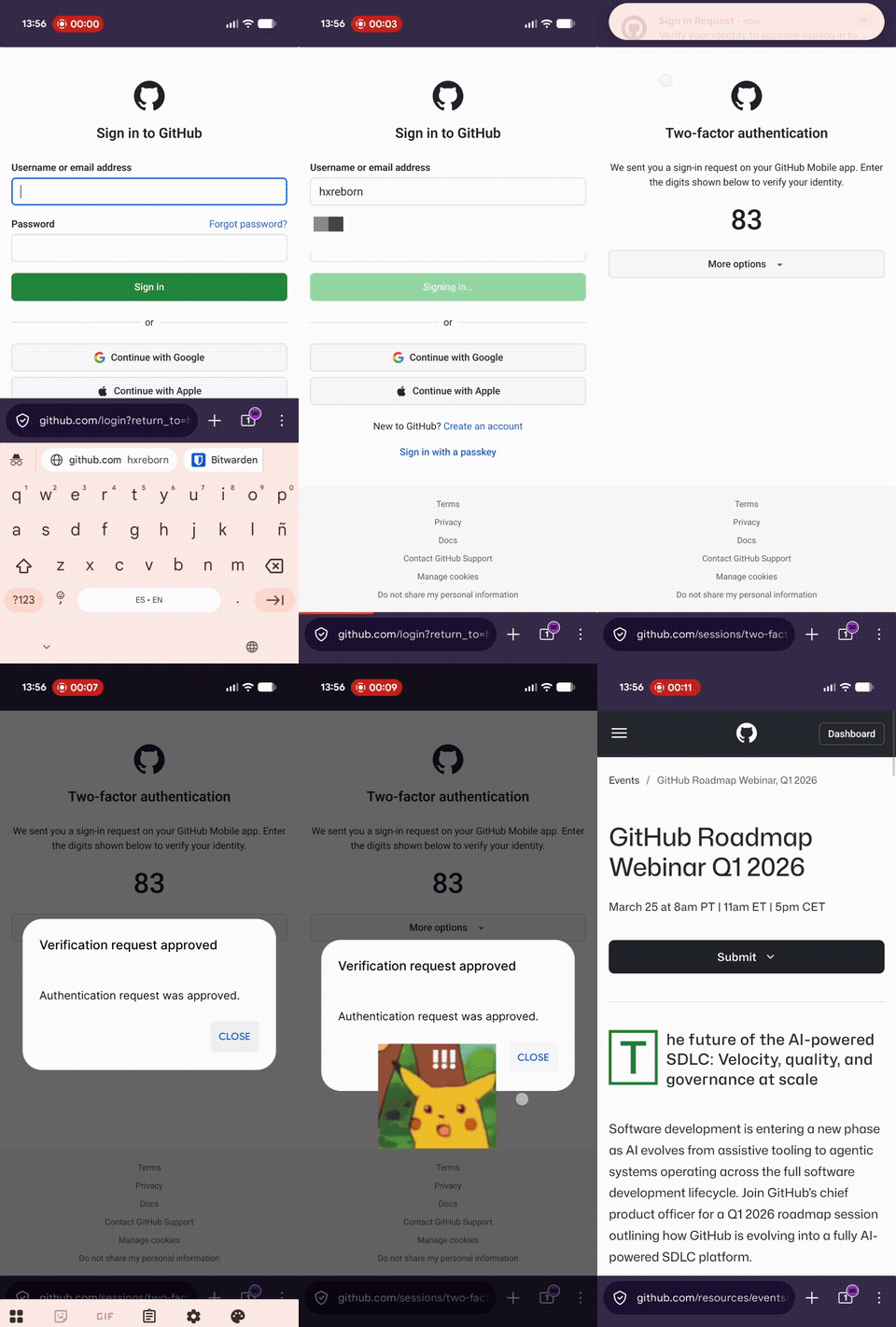 |
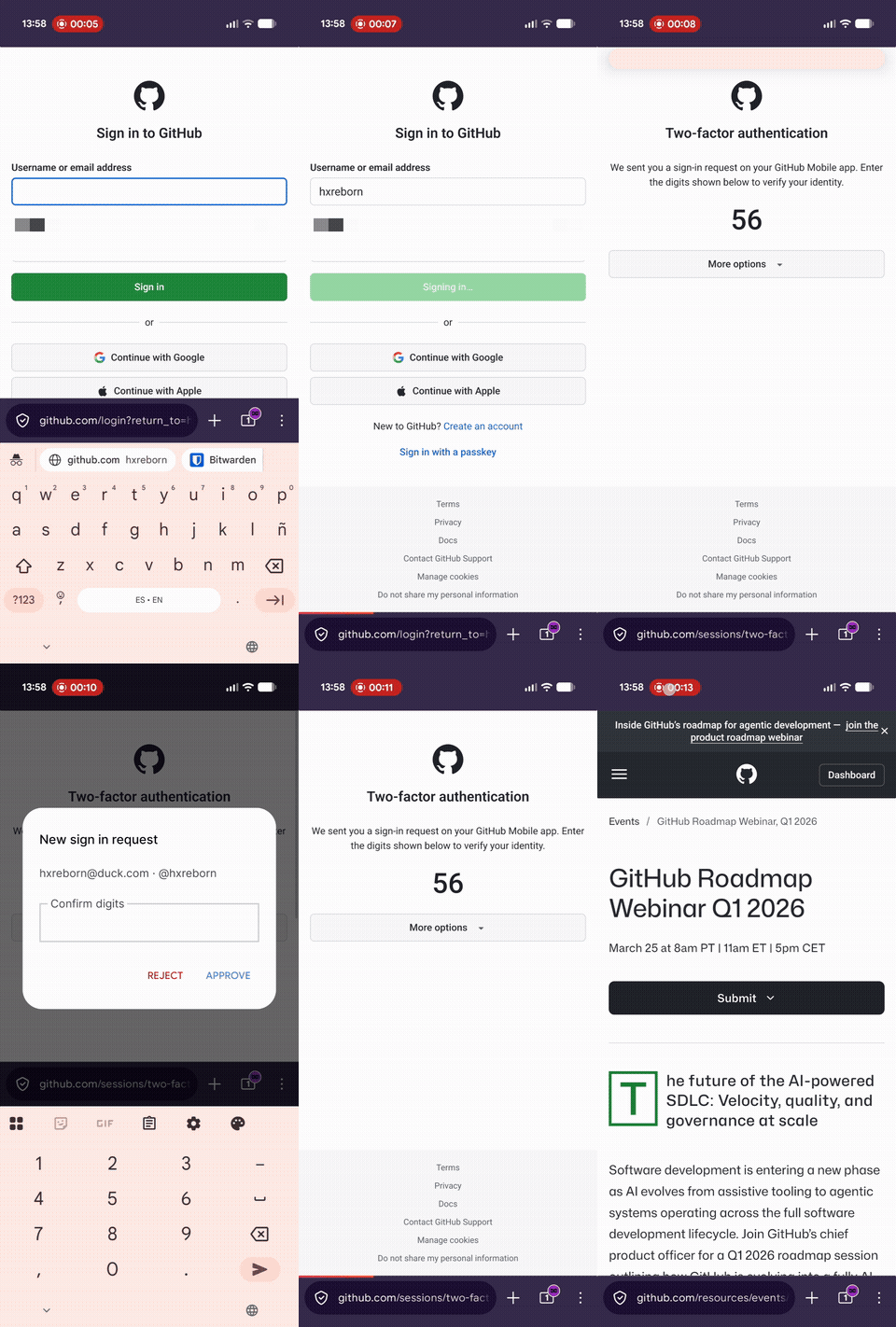 |
- Android 10 (API 29) or higher
- An LSPosed Manager version with API 101 support (required for now)
- GitHub mobile app (
com.github.android)
Note
Tested with GitHub Mobile v1.249.1. Other versions should work as long as GitHub doesn't restructure the 2FA dialog internals.
-
Download the APK:
-
Enable the module in LSPosed and scope it to
com.github.android -
Force-stop the GitHub app and relaunch


git clone --recurse-submodules https://github.com/hxreborn/gh-fast-pass.git
cd gh-fast-pass
./gradlew buildLibxposed
./gradlew assembleRelease
Requires JDK 21 and Android SDK. Configure local.properties:
sdk.dir=/path/to/android/sdk

# Optional signing
RELEASE_STORE_FILE=<path/to/keystore.jks>
RELEASE_STORE_PASSWORD=<store_password>
RELEASE_KEY_ALIAS=<key_alias>
RELEASE_KEY_PASSWORD=<key_password>
This project is licensed under the GNU General Public License v3.0. See the LICENSE file for details.