Hotspot Wireless Debugging
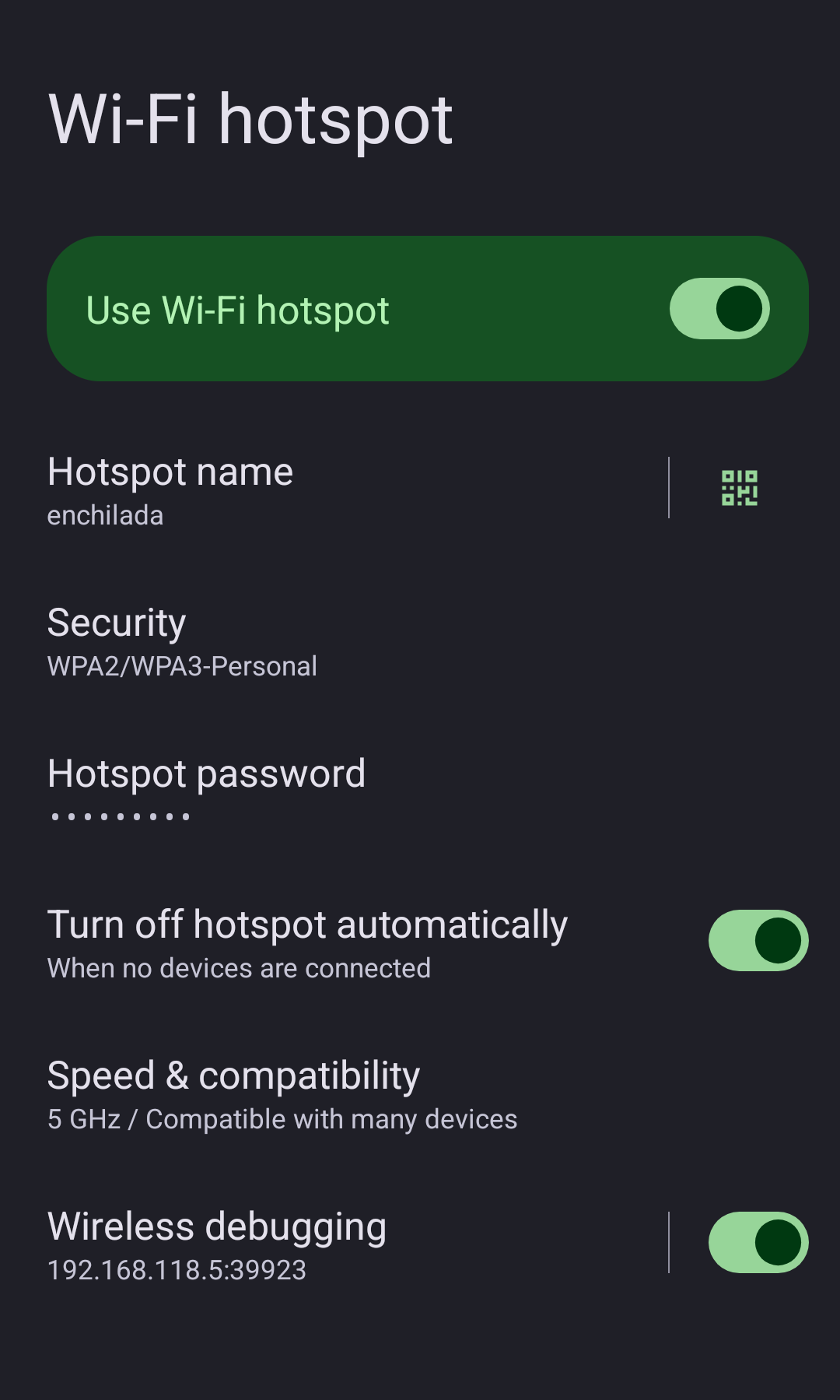
Xposed module that allows Wireless Debugging (ADB over Wi-Fi) to work over Wi-Fi Hotspot on Android 15.
Android 11+ only enables Wireless Debugging when the device is connected to Wi-Fi as a client. This module hooks the Settings app and system framework to bypass that restriction, so hotspot guests can connect via ADB.
Requirements
- Android 15 (older versions not tested)
- LSPosed or compatible Xposed framework
Installation
- Install the APK
- Enable the module in LSPosed for both scopes:
com.android.settingsandroid(System Framework)
- Reboot
Usage
- Enable Wi-Fi Hotspot
- Use the Wireless Debugging toggle on the hotspot settings screen, or go to Developer Options > Wireless Debugging
- Pair your client device:
adb pair <ip>:<pairing_port> <pairing_code> - Connect:
adb connect <ip>:<port>
On first use, Android prompts to trust a network matching your hotspot name. Renaming the hotspot will reset this trust. The MAC address is hardcoded because Android randomizes the hotspot MAC on each enable, which would reset trust every time.
Other solutions
Magisk-WiFiADB — Magisk module, enables legacy adb tcpip on boot. Simpler (just Magisk, any Android), but unencrypted and not hotspot-aware. This module hooks native Wireless Debugging (TLS, pairing) with Settings UI, but needs LSPosed and Android 15.
License
Package
io.drsr.hotspotadb
Authors
Releases
1.0.1
Release Type: Stable
4/10/2026, 3:45:11 PM
Fixed
- Fixed wrong IP shown on Wireless Debugging screen when hotspot is active.
- Fixed button label not updating on hotspot/Wi-Fi state changes.