⚠️ Installing unknown patches for banking apps is usually a very bad idea. Read and understand the code!
Xposed module to make the Prex Uruguay app work on de-googled / rooted devices.
- RootHook — forces RootBeer (
com.scottyab.rootbeer) and IRoot (de.cyberkatze.iroot) checks to "not rooted", suppressing "Dispositivo está rooteado" rejection on startup. - FirebaseFix — makes the Capacitor Firebase plugin's
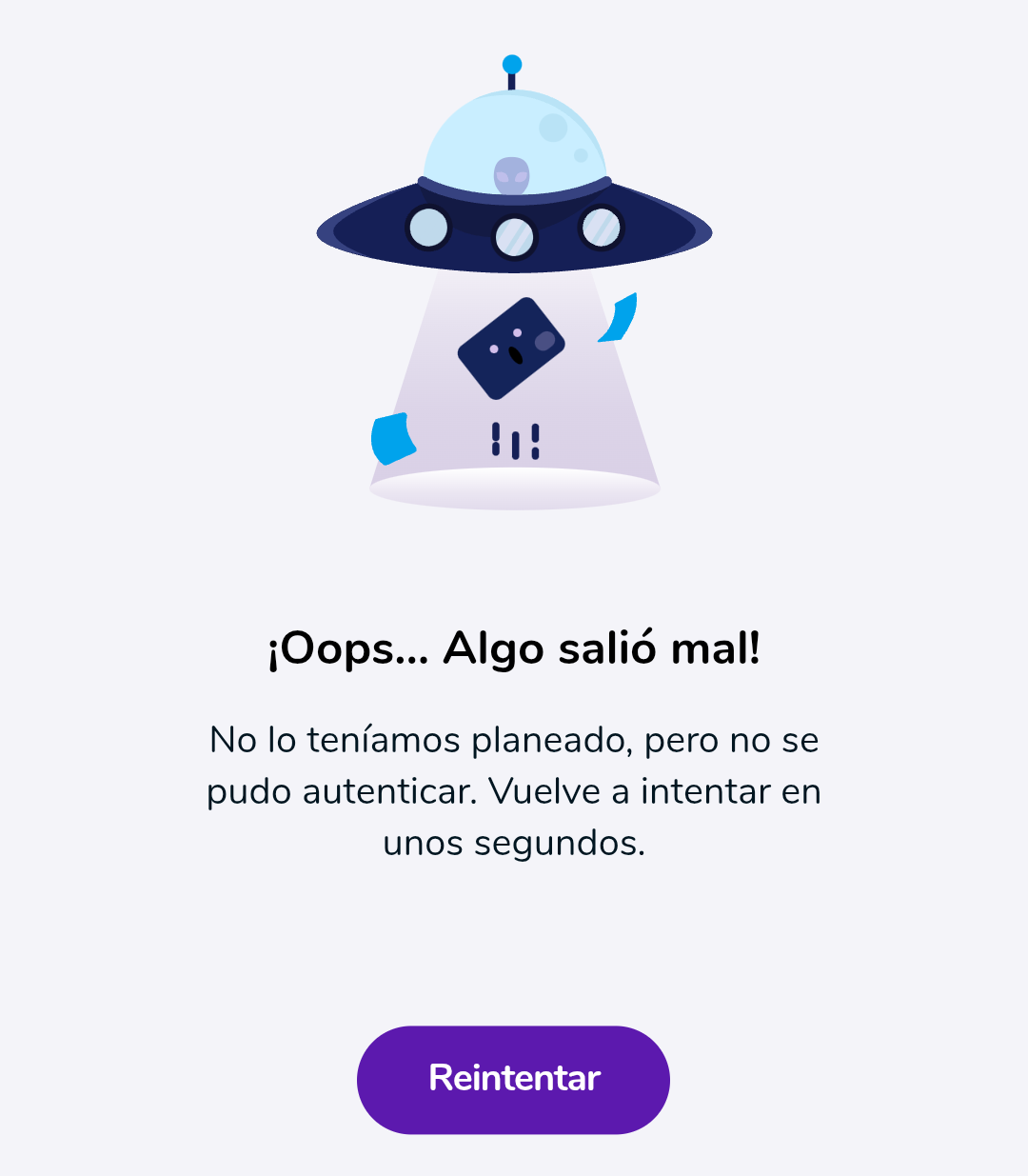
getAppInstanceIdresolve a stable non-empty string, so theDevice-Firebase-Instance-Idrequest header isn't null. Without this, the login POST is rejected client-side and the app shows "Algo salió mal" (likely a bug, introduced around10.70.00).
Incode’s device checks can reject rooted devices or crash when LSPosed is loaded.
- IncodeHook skips the legacy environment gate and reads
SessionConfig.externalTokendirectly to avoid a crash in its protected getter. It preserves the token, including null. - ART View Sync is a companion Magisk module.
It gives the app a copy of
libart.somatching its live ART memory, allowing Incode’s file comparison to pass with LSPosed loaded.
Document capture, liveness checks, uploads, and server verification are unchanged.
Requires an LSPosed build with modern Xposed API 101 support.
Tested on Android 15/16/17 (LineageOS) with Magisk, Zygisk, and LSPosed. Additional root hiding tools such as Shamiko are not required.
Active app versions:
10.80.00- Working with PrexCompat.10.79.00- Working with PrexCompat. Selfie KYC verified.
Older versions are disabled by Prex.
Not tested on other regional variants — Argentina, Chile, Peru. PRs are welcome.
github.com/droserasprout/io.drsr.prexcompat
Install the APK and enable the module in LSPosed, then force-stop the app. Scope is fixed to air.Prex (staticScope=true via META-INF/xposed/scope.list), so no manual scope selection is needed. If you're running Magisk with "Enforce DenyList" enabled — remove Prex from this list to allow Xposed injection.
If app requests selfie verification to pass KYC:
- Install ART View Sync module, reboot
- Pass the KYC in Prex
- Disable or uninstall module, reboot