Choose, app by app, what each app can see. AppGuard changes how selected privacy-sensitive Android APIs behave inside the apps you pick. Target APKs are not modified, and nothing leaves your device.
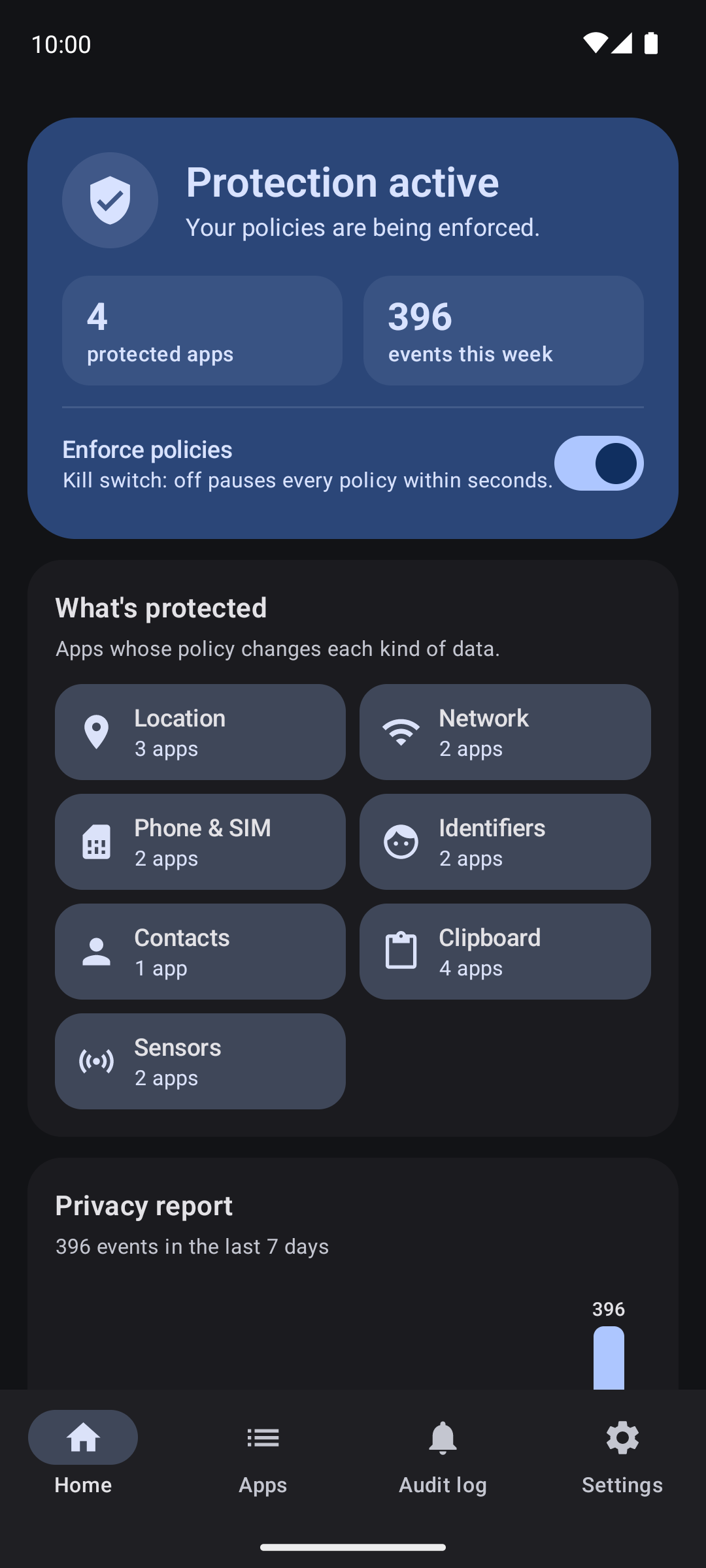 Home |
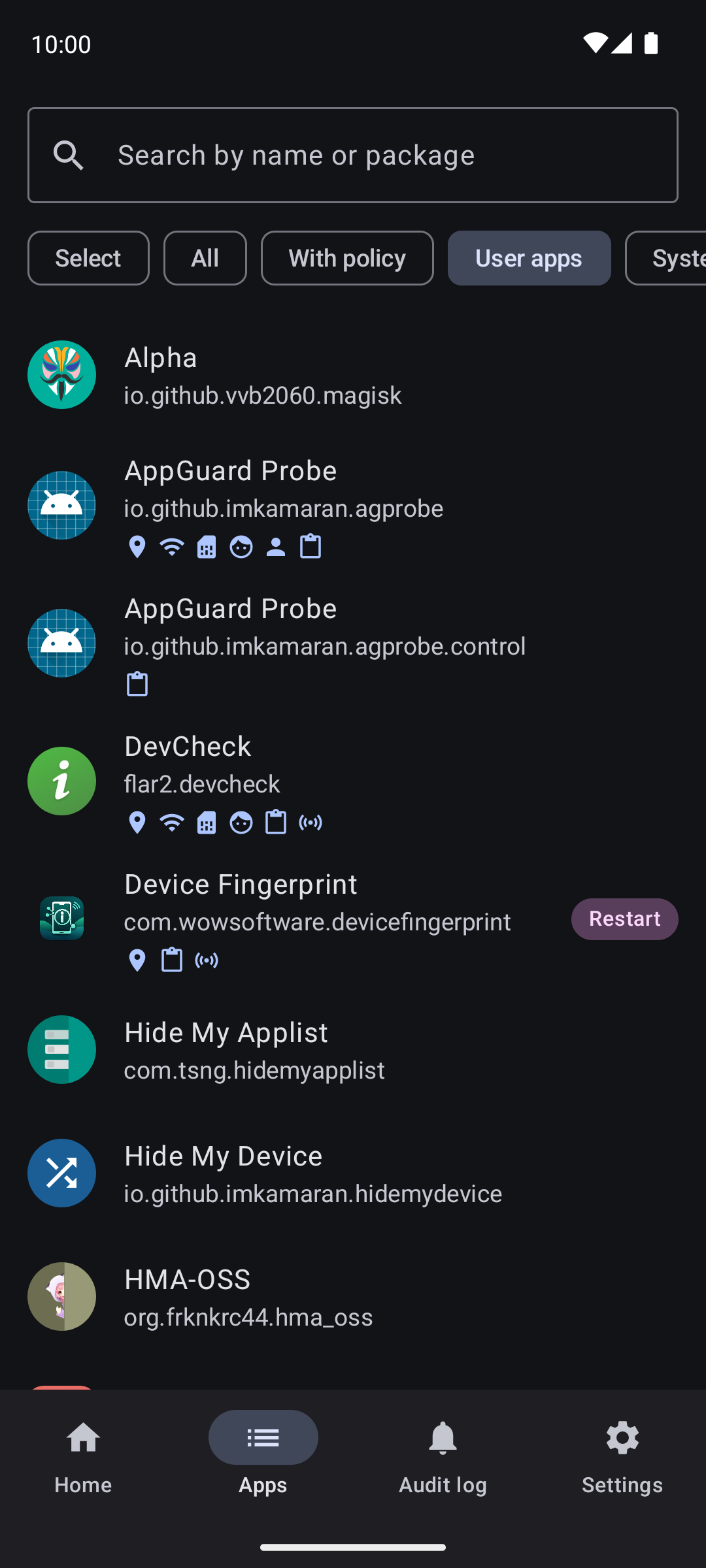 Apps |
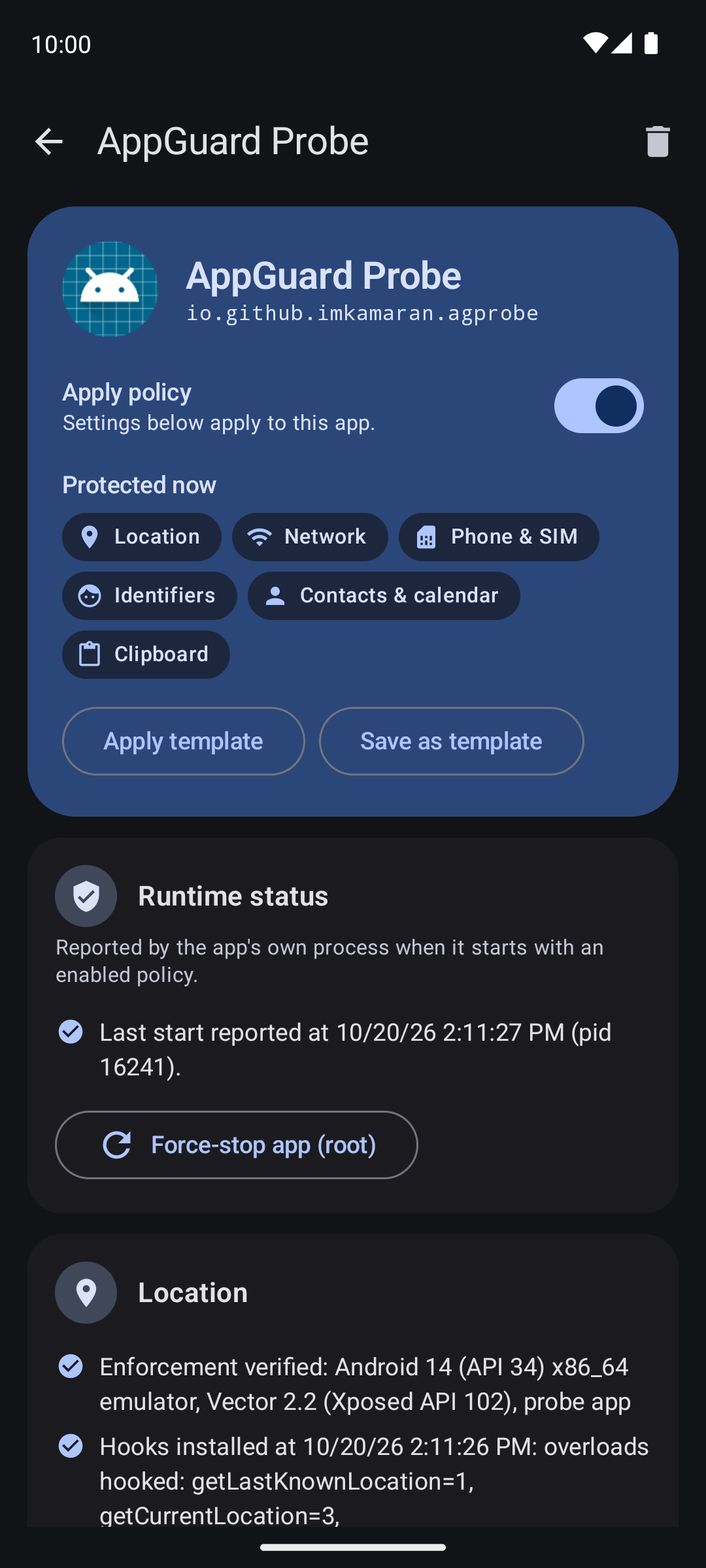 Policy editor |
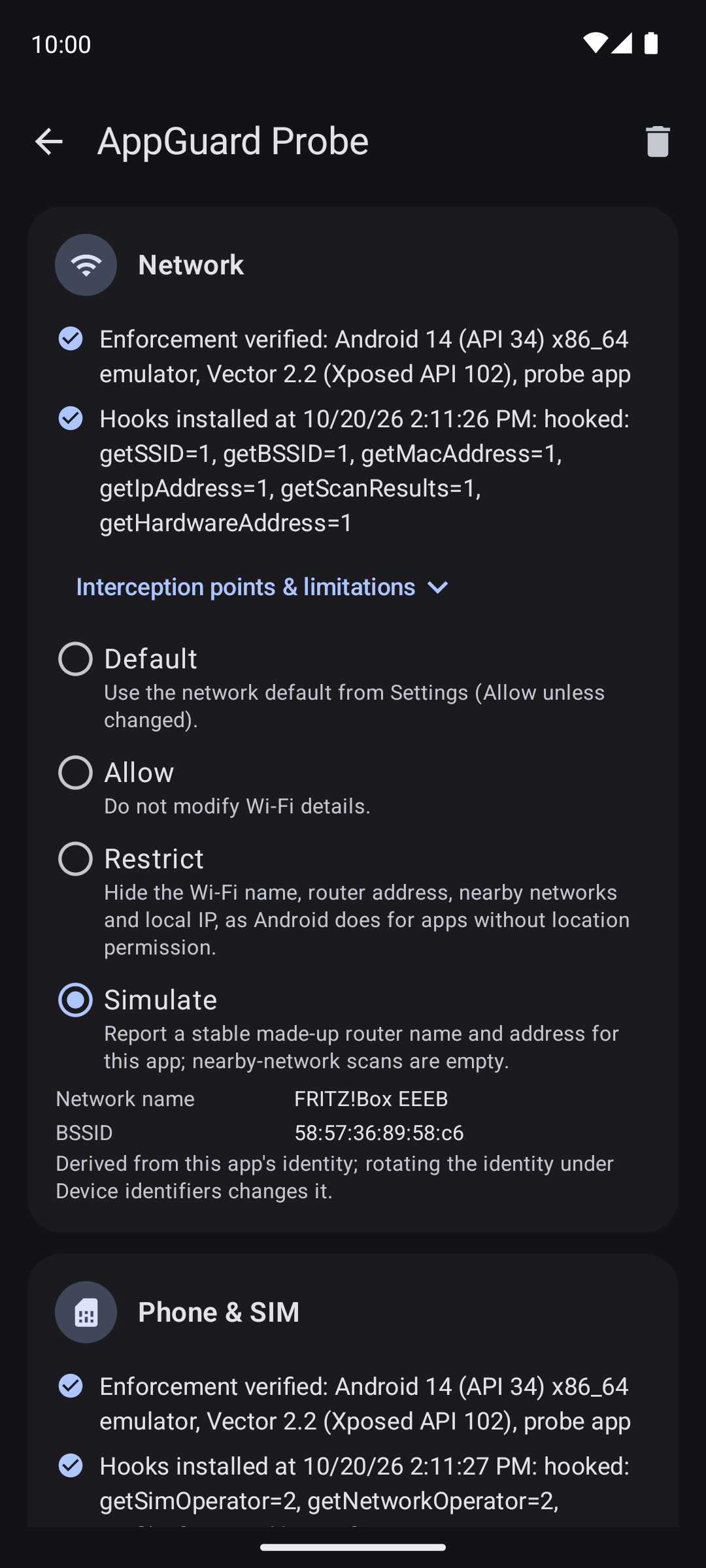 Network & SIM |
| Data | Modes |
|---|---|
Location (LocationManager) |
Allow · Restrict · Simulate a fixed position |
| Wi-Fi network identity (SSID, BSSID, MAC, local IP, nearby networks) | Allow · Restrict · Simulate a stable fake router |
| Phone & SIM (carrier, country, phone number, subscriptions) | Allow · Restrict ("no SIM") · Simulate a carrier |
| Android ID and device model/manufacturer | Allow · Simulate (stable per app, rotatable) |
| Contacts, call log and calendar | Allow · Restrict per source (reads return no entries) |
| Clipboard reads | Allow · Restrict (copy and keyboard paste keep working) |
| Sensors (motion, compass, environment, activity, body) | Audit only · Restrict by group |
Also included:
- Local audit log with filters and JSON/CSV export, plus a 7-day privacy report.
- Templates (Strict, Anti-tracking, Personal data guard, or your own) and bulk actions.
- Backup & restore of the whole configuration.
- Kill switch on the home screen and as a Quick Settings tile.
- Access notifications when a policy blocks something (optional).
- Crash-loop protection: a policy is suspended automatically if it makes an app crash at start-up.
Every hook fails open: on any error, missing or corrupt configuration, the app keeps its normal behavior. System and emergency components (phone, SystemUI, Settings, Play services) can never be targeted.
- Rooted Android 10+ (tested on Android 14).
- LSPosed or a fork such as Vector, with Xposed API 93 or newer.
- Install the APK and enable AppGuard in the LSPosed manager.
- Add AppGuard itself and every app you want to control to the module's scope.
- Open AppGuard, go to Apps, pick an app, switch on Apply policy and choose modes.
- Force-stop the target app (the policy page has a button for this) and open it again.
AppGuard intercepts the public Java APIs listed above in the app's own process. Native code, Google Play services fused location, server-side fingerprinting and data an app collected earlier are not affected. Each policy page lists exactly what is intercepted and what is not.
No network permission, accounts or telemetry. The audit log stays in AppGuard's private storage with bounded retention. Clipboard contents and real identifiers are never logged.
Source code, issues and full documentation: https://github.com/imkamaran/AppGuard
Licensed under GPL-3.0.